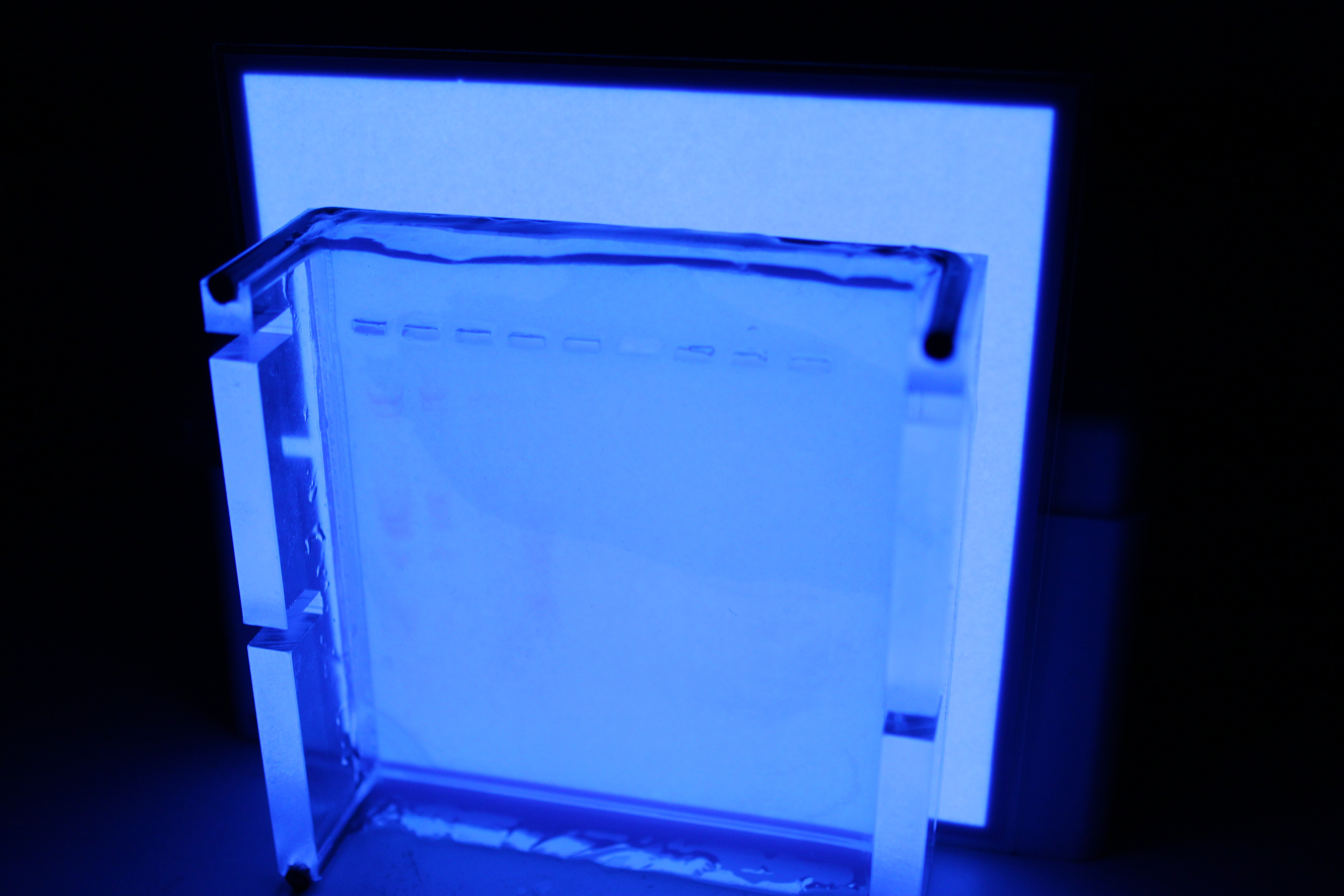
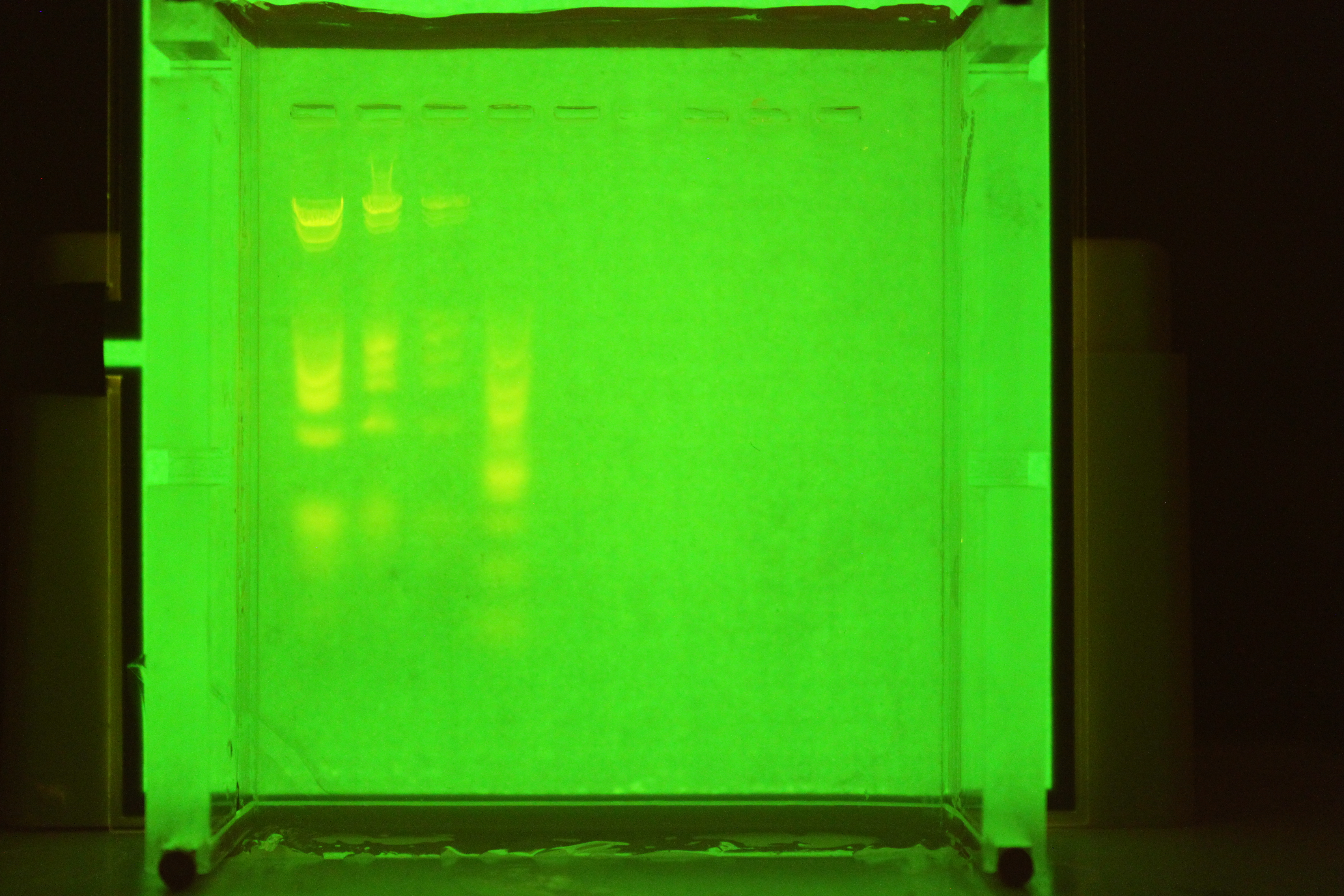
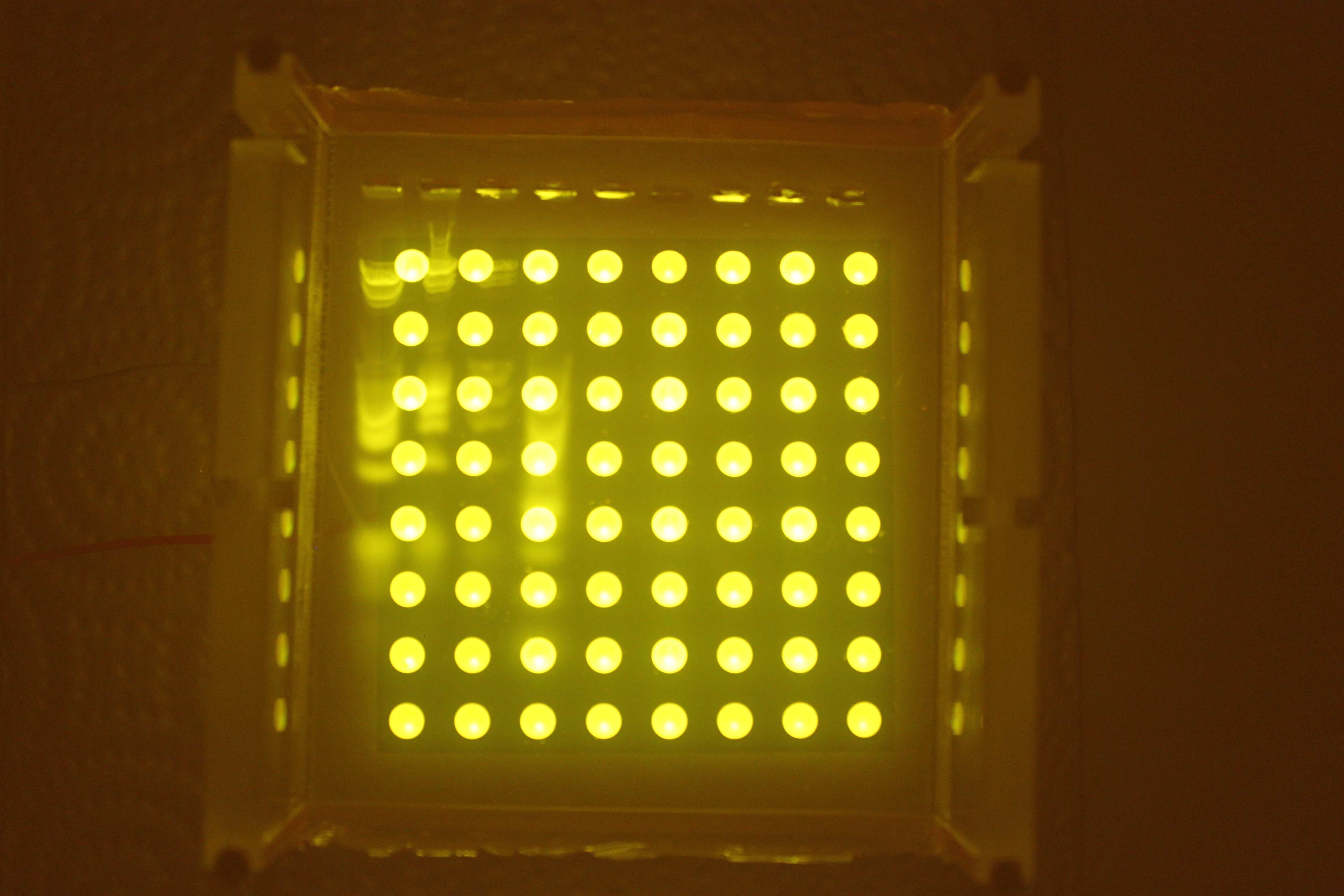
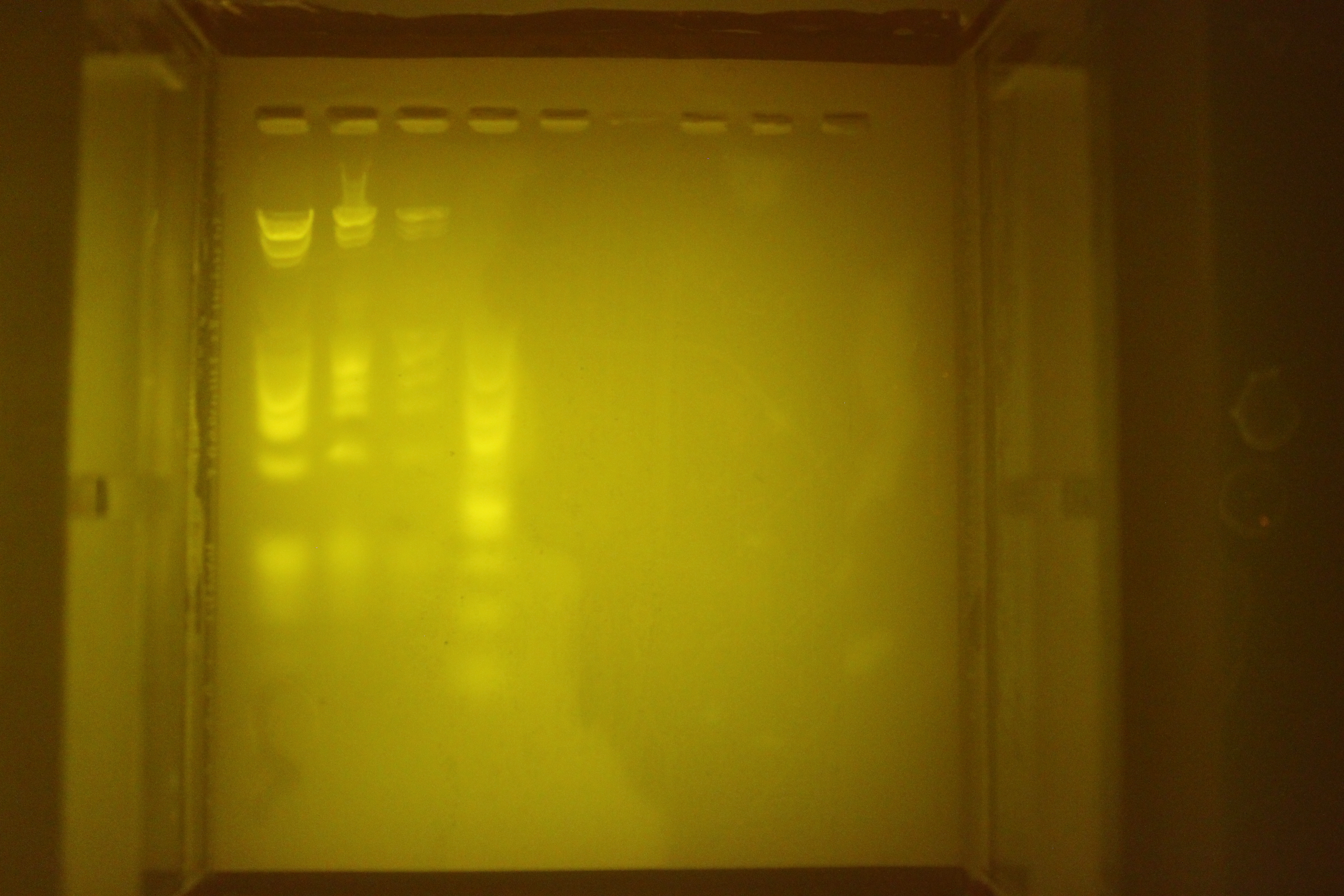
GelIS Illuminator

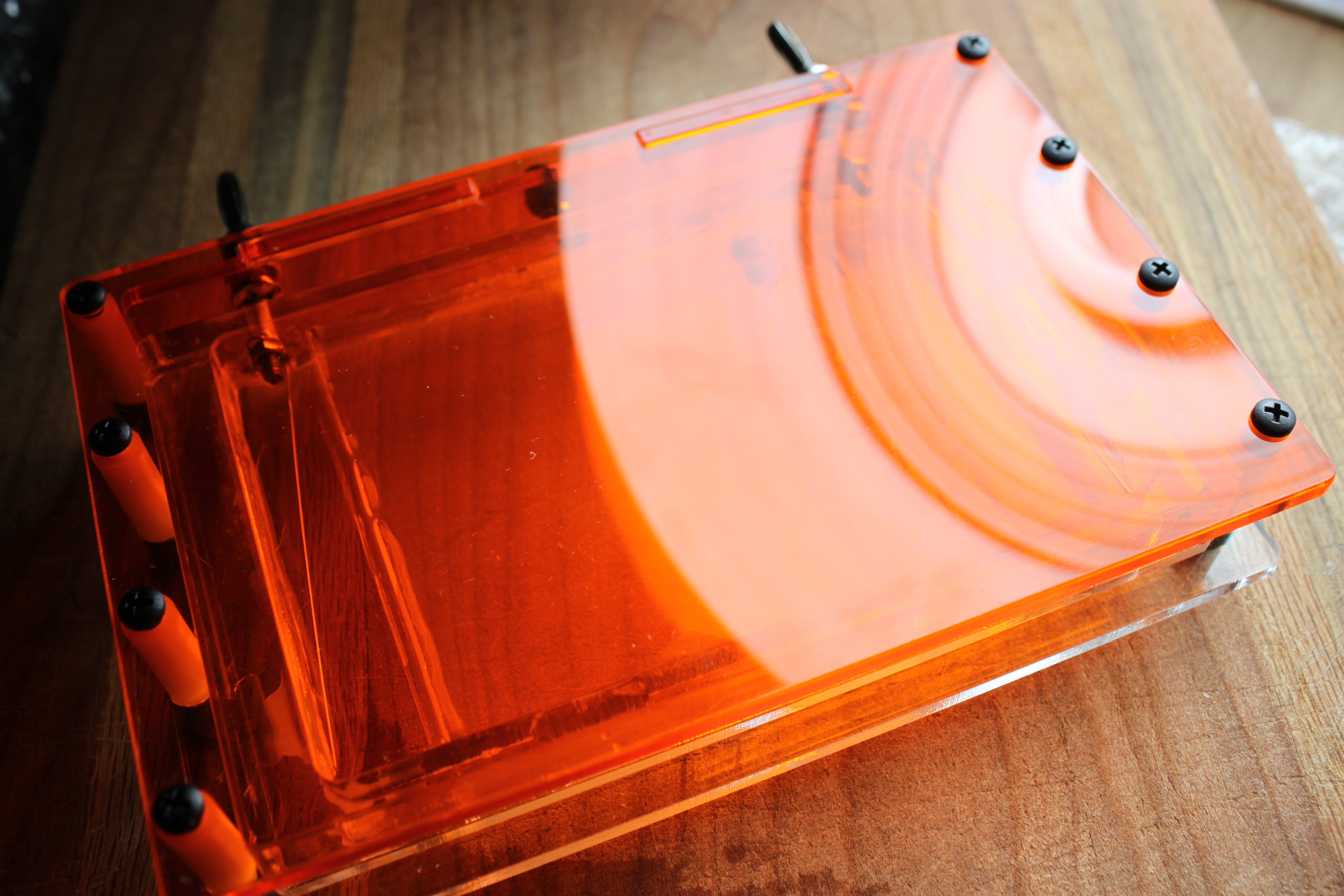
Huge transluminator

Huge transluminator

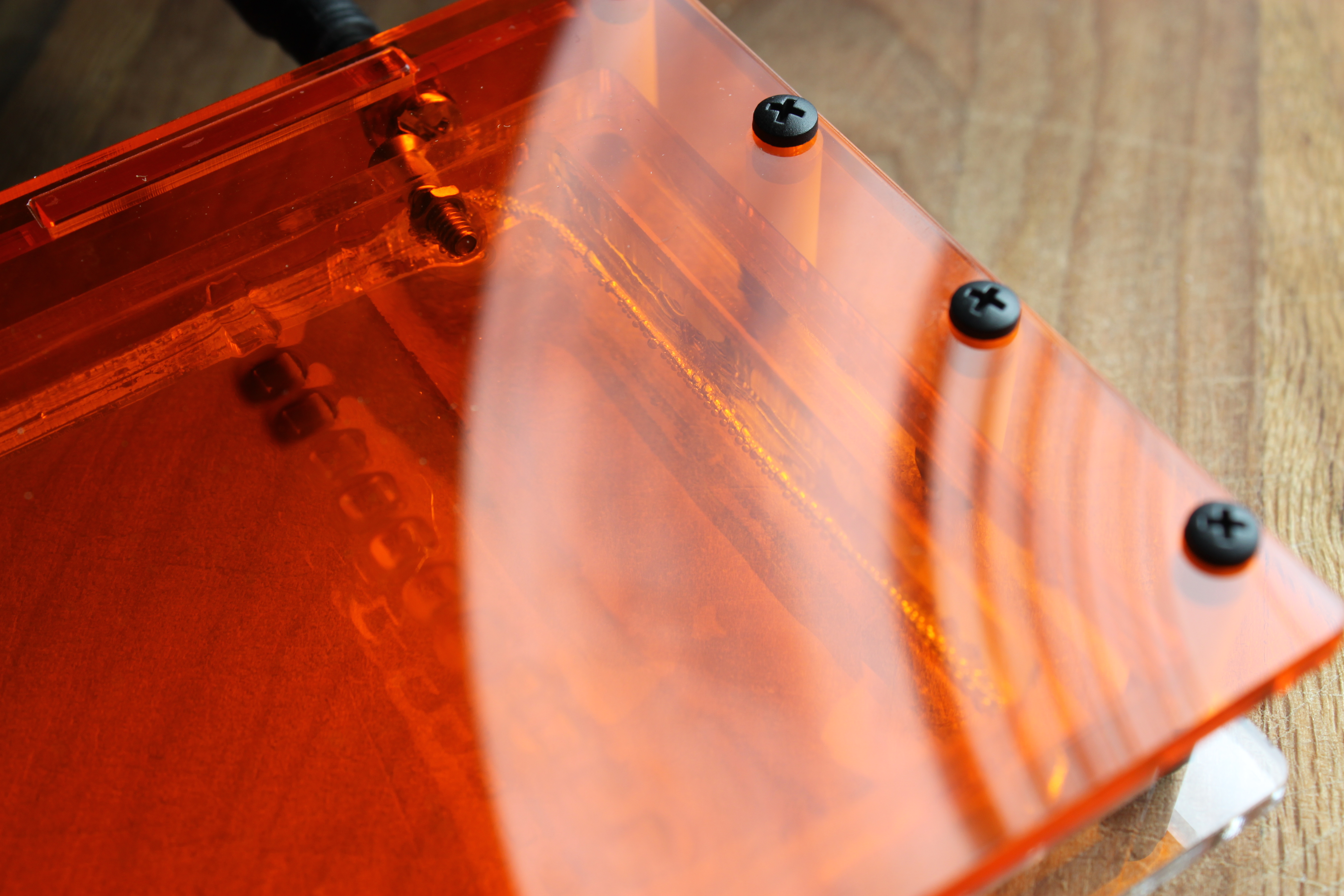
I am pretty sold on this design.  It is elegant in many ways, and it provides quality illumination.  Lets look at the features it has for the user:

  • Extremely easy to assemble.  It should take maybe 5 minutes.
  • Very thin, which makes it easy to store. Maybe 1/2″ tall
  • Large illuminated area, 4″x4″ (10cmx10cm for you metric folks).
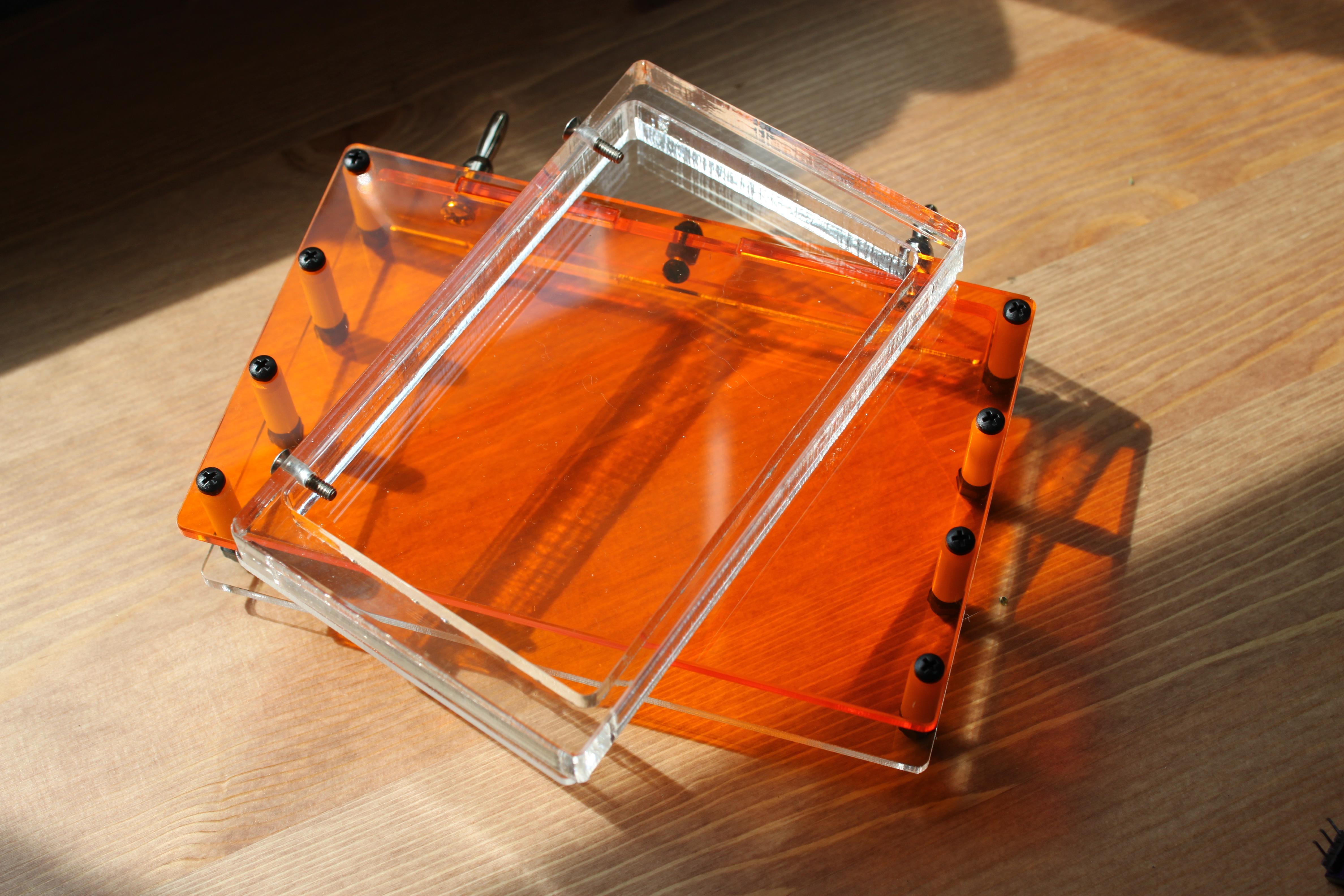
  • Gel filter stows inside of transluminator, and protects EL panel.
  • EL panel illumination is very even, which makes it easy to pick out bands
  • Lost cost and high value compared to other options

Now, lets look at this from the viewpoint of me as a manufacturer:

  • Uses off-the-shelf components for anything that requires tricky assembly (EL inverter)
  • Low parts count -> low cost and easy to pack
  • Almost zero material is unused.  the Negative space becomes the filter!
  • Small size makes it cheap to ship
  • High value added in the parts I fab

These things make me happy, because I can provide a lot of value by selling the kit to people, and it should make people happy because they have a simple to build and beautiful transluminator that they can use for a long long time.

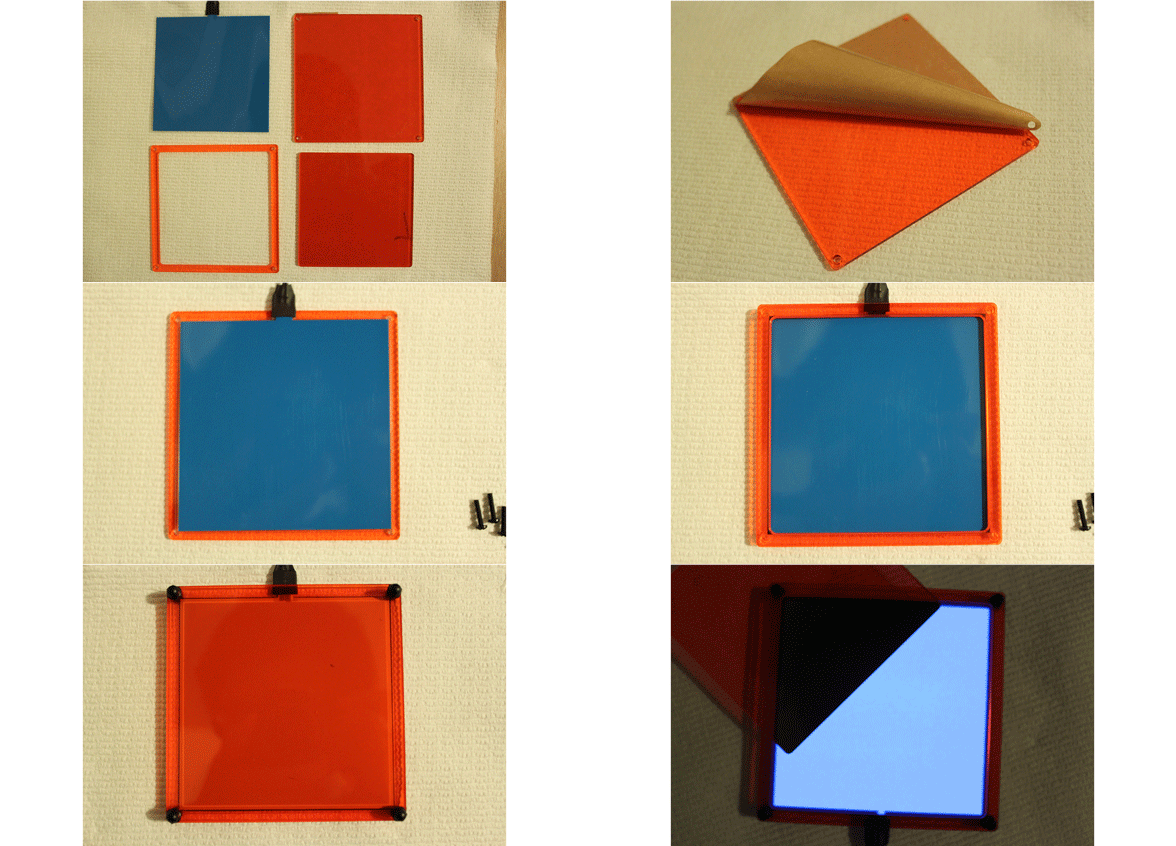
Transluminator...ASSEMBLE!

Transluminator…ASSEMBLE!

This is an animated gif of the assembly process.  The illuminator is a laminated design, held together with screws.  Assembly takes only a few minutes, or maybe a bit longer if you are a super-perfectionist.

2nd GelIS Prototype

The second prototype!  Fingers crossed, should be done in one more revision.

The second prototype! Fingers crossed, should be done in one more revision.

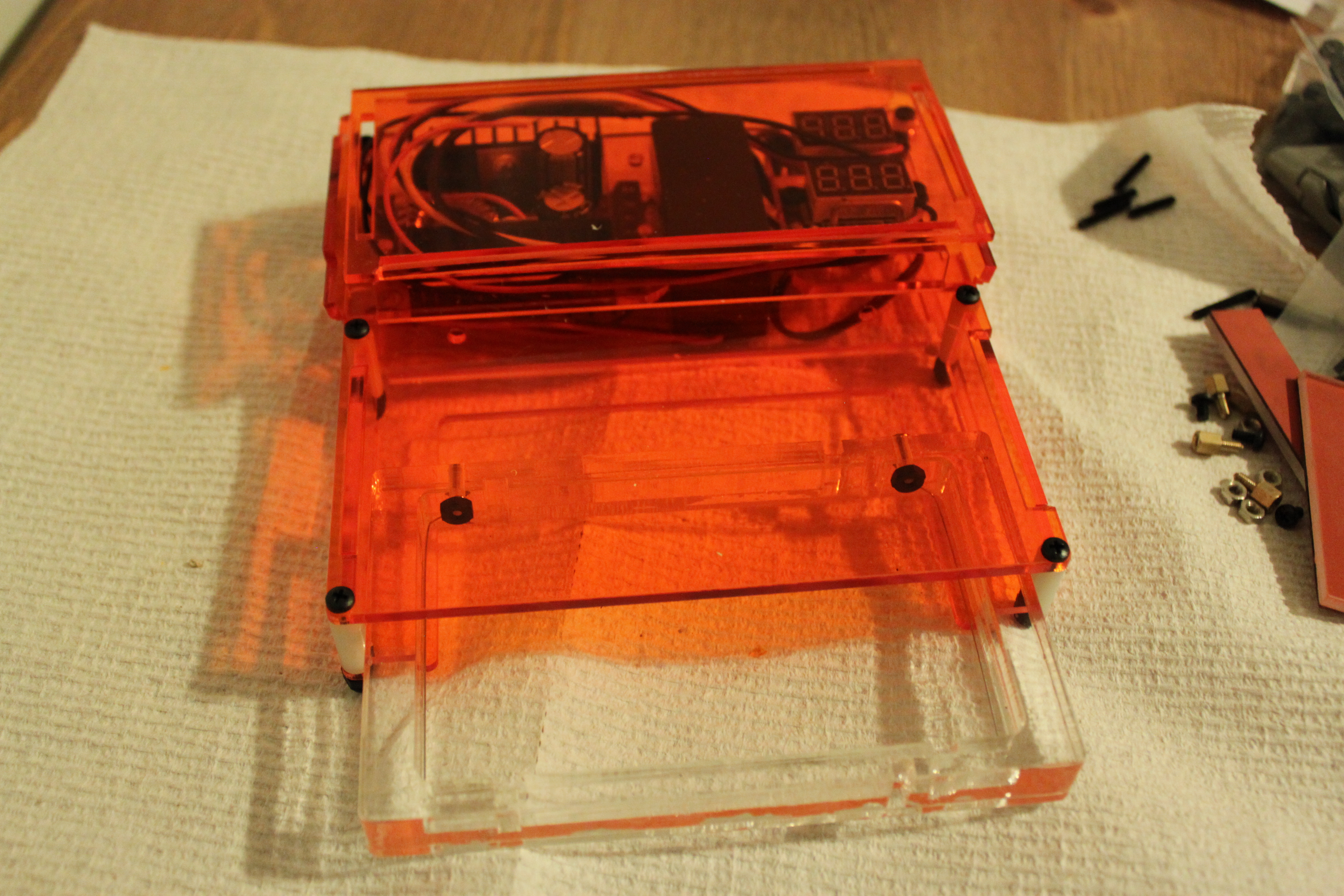
Gel Boxes should be beautiful.  Actually, all lab equipment should look awesome.  Here is the second revision of the plastic hardware.  It is almost correct.  Some of the cutouts for the electronics are too small and caused cracking.  I also got confused and made a “revision” with some cutters that I regretted- the part was actually made correctly, but I freaked out and cut it.  I need to revise the holes for the cables, and make the roof taller as well.  Right now it is not fully wired, up but the really key thing is making sure the laser cut portions are spot on- I have validated the sketchier functions on the first prototype.

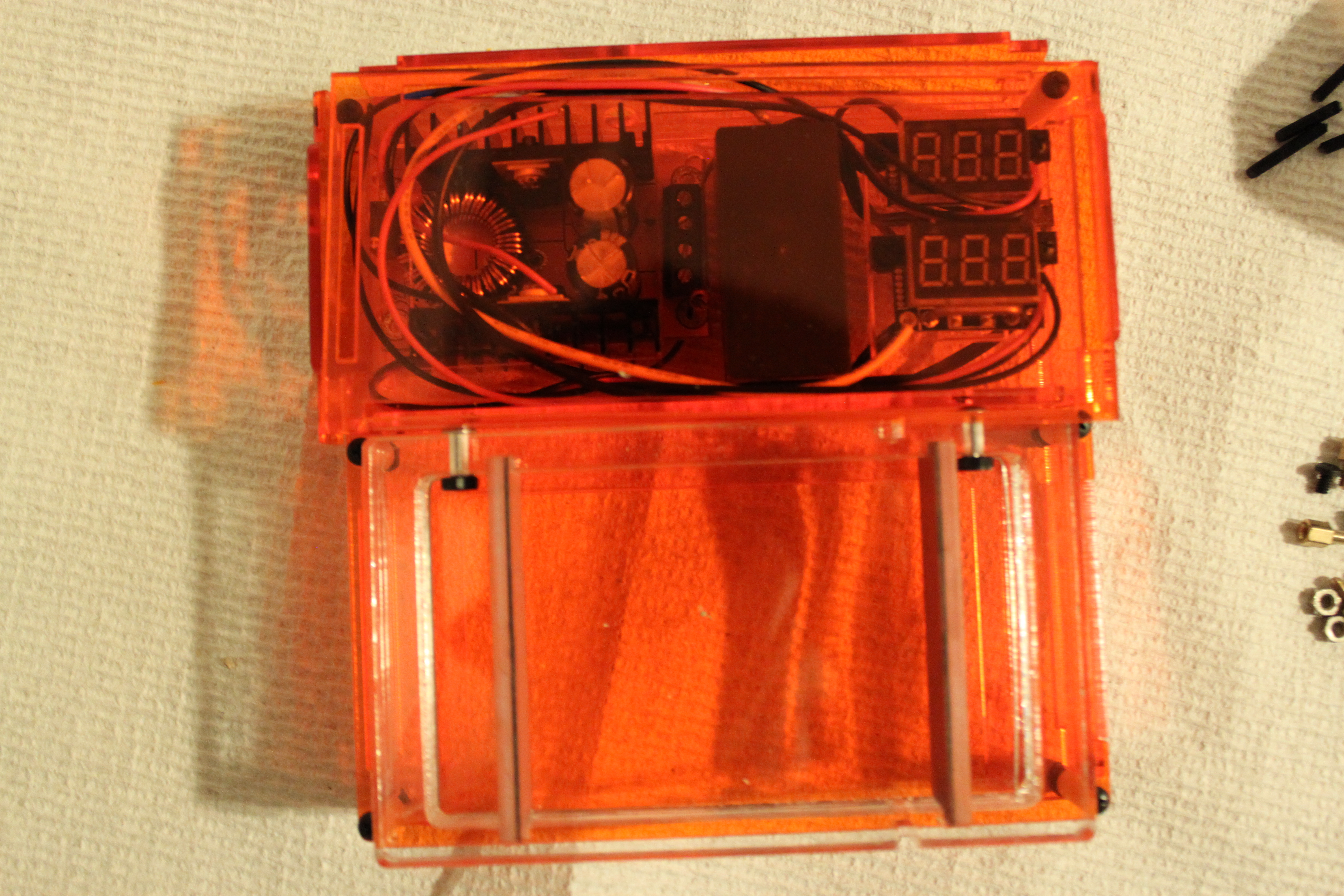
Here is a top view

Here is a top view

Alright, lets talk electronics first.  Crammed into the back portion of the box are brains and brawn of GelIS.  That thing with the heatsinks on the left is a 12V to 30-90V boost converter.  That means that 12 DC goes in, and something between 30-90V comes out.  If you look carefully, it is actually in backwards (rotated 180) from what makes sense, because those screw terminals should be on the side of the box.  This was a fabrication snafu.

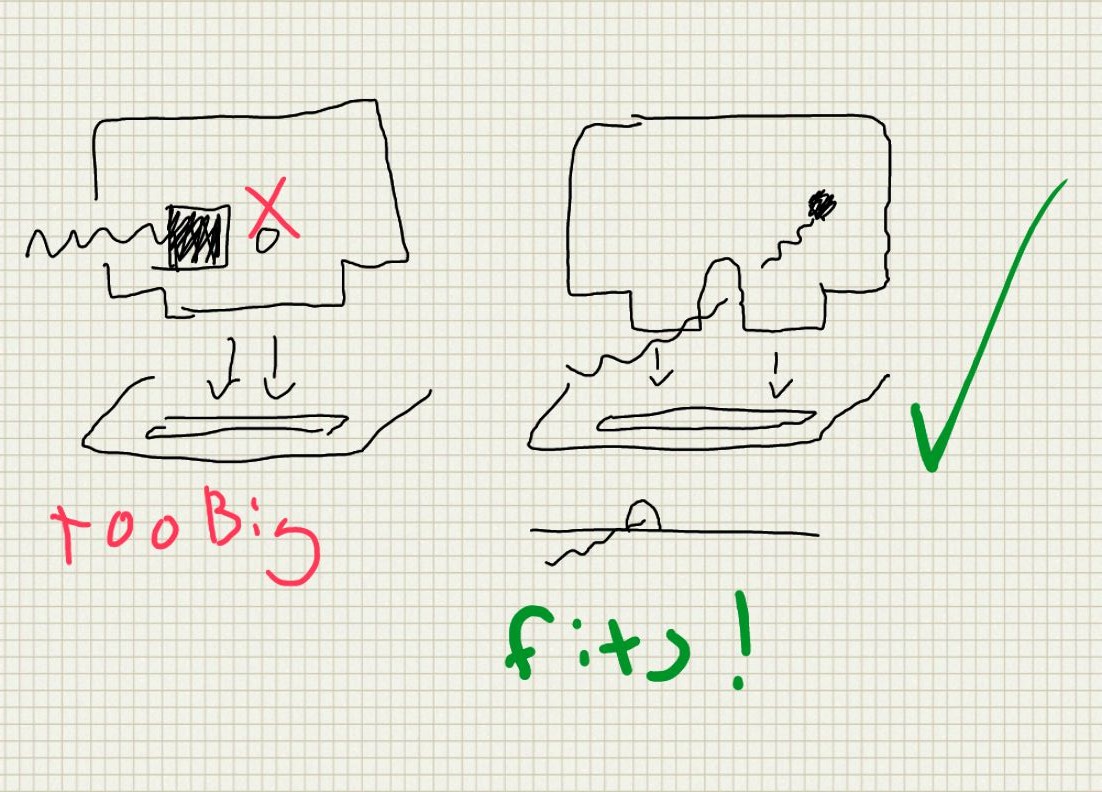
This shape brought to you by cartoon mouse doors.

This shape brought to you by cartoon mouse doors.

In the middle is the power supply for the EL panel illuminator.  It is also powered off 12V, and the cable to the illuminator comes out the back.  Right now there is a circular hole for the connector, which totally doesn’t work.  This prototype helped me figure out how to run that cable, which has a bulky connector on one end from inside to outside of the box, which is summarized in the above sketch.

Finally, on the right are a voltmeter and ammeter.  You need these if you are going to run a gel, and I haven’t seen many DIY kits that include them.  “hook a multimeter up” is a bad option because you need both voltage and current, which means two multimeter, and probably some sketchy connections.  This shows both, simultaneously.  The sketchy source of these suggests that they refresh “at about 200hz” which is plenty fast for us.  Unfortunately, they also make the box look kind of like a cartoon of a bomb.  Better put this in the checked luggage.

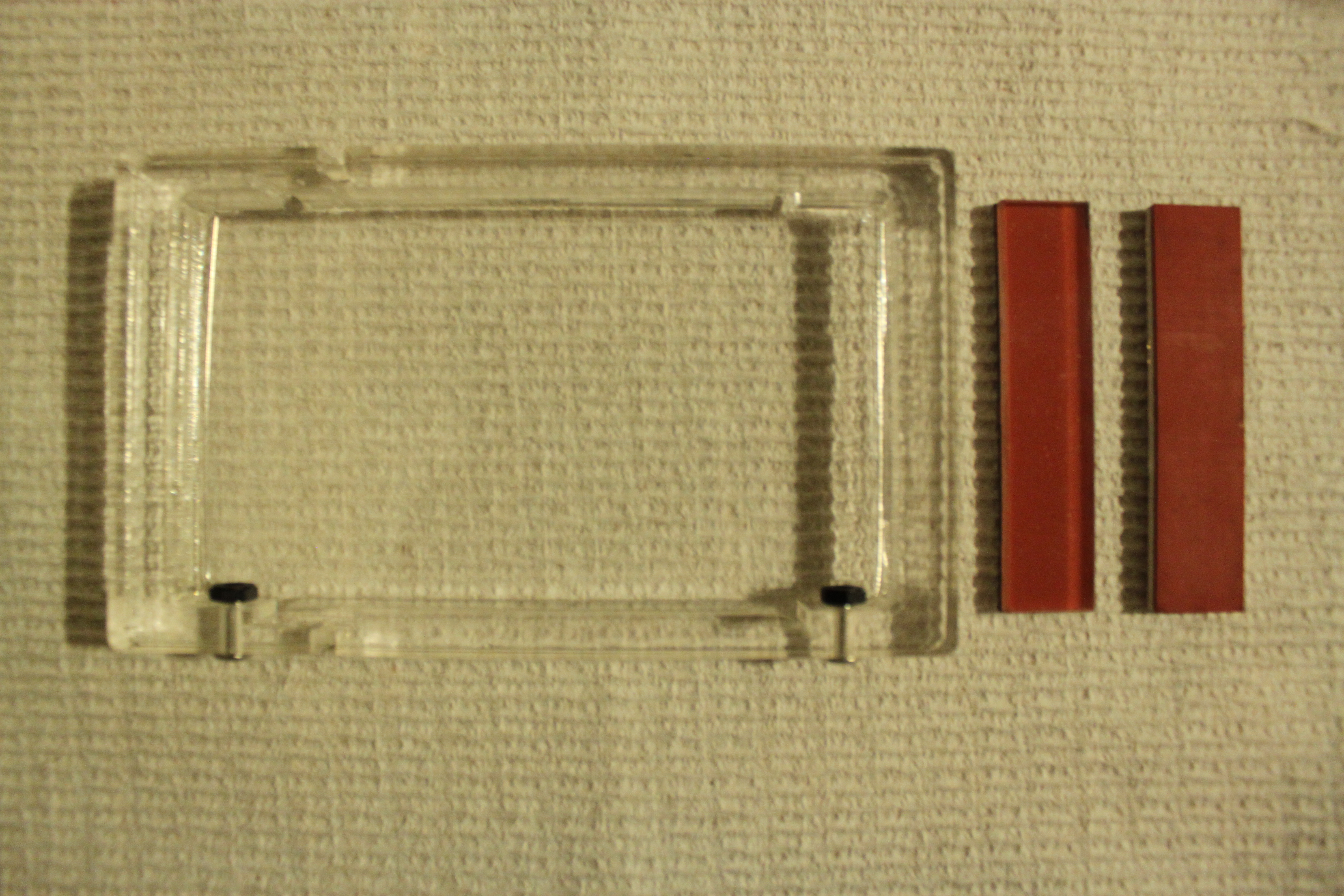
#forgotthecombatthelab? the box, and two dams for pouring the gel.

#forgotthecombatthelab?
the box, and two dams for pouring the gel.

Here is the gel tray you see sliding out of the system on top.  The electrodes are an incredibly tough alloy of stainless steel (316VLM. .016 diameter*  Read my footnote on it).  To the right are two dams for pouring the gel.  One side is acrylic, and the other is somewhat soft silicone rubber with an adhesive backing.  They are cut at as a laminate at the same time on the laser cutter to ensure that the parts are exactly the same size.  I haven’t tested them, but I am optimistic, especially because of the laser taper, illustrated below.

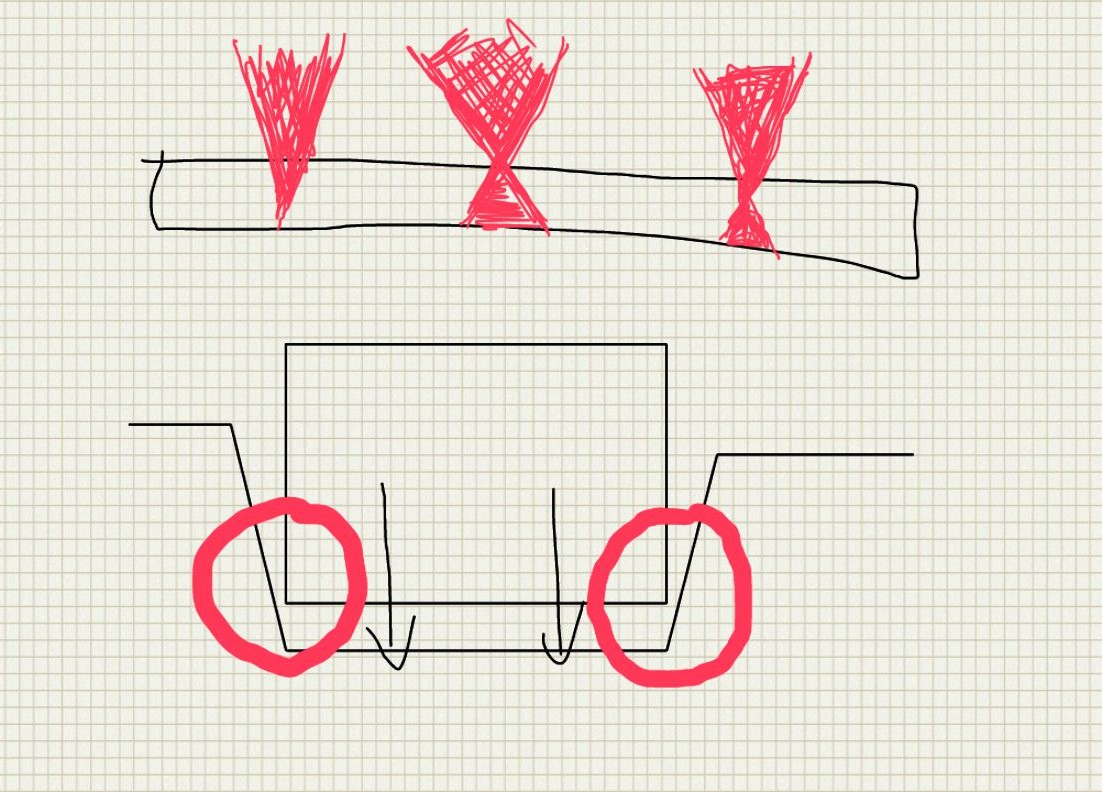
laser taper is caused by the beam spreading after focusing

laser taper is caused by the beam spreading after focusing

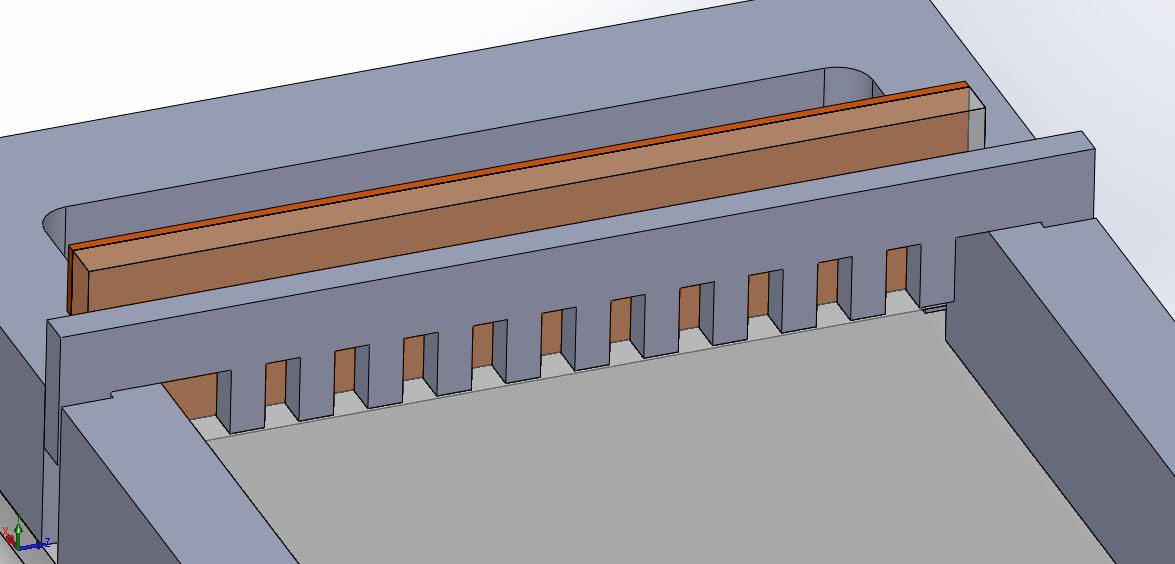
This taper should help wedge the dam in.  I would talk about the comb more, but I forgot the comb at the lab.  It is pretty unremarkable.  The image of the model below pretty much sums up how it works:

The least exciting part

The least exciting part

I also finished the transluminator, which I think I will stick with for the kit.  It is elegant in a lot of ways that I want to talk about, so it is getting its own post.

*You might be asking, stainless steel?  Don’t we need PLATINUM electrodes?  The answer appears to be no.  Several people have had success with 314 stainless seizing wire (a boat/marine item), but according to aerospacemetals:

“Type 316 is known to be more resistant to atmospheric and chemical corrosion than any other grade of the stainless steels. Maximum corrosion resistance may be obtained by fully anneal­ing this alloy. If the application calls for welding, Type 316L should be used as it is highly resistant to carbide precipitation and intergranular corrosion.  Which usually occurs at high temperatures.”

Plus this wire is vacuum arc remelted, so it should be even tougher.  I will have to do a proper stress test sometime.

The Guide to DIY Gel Illumination

As you probably know, I have been a little obsessed with gel electrophoresis lately.  I have challenged myself to design and market a low cost, elegant tool for electrophoresis, including a power supply and an illuminator.  This post will focus on what I learned from testing several different light sources as gel transluminators/illuminators.
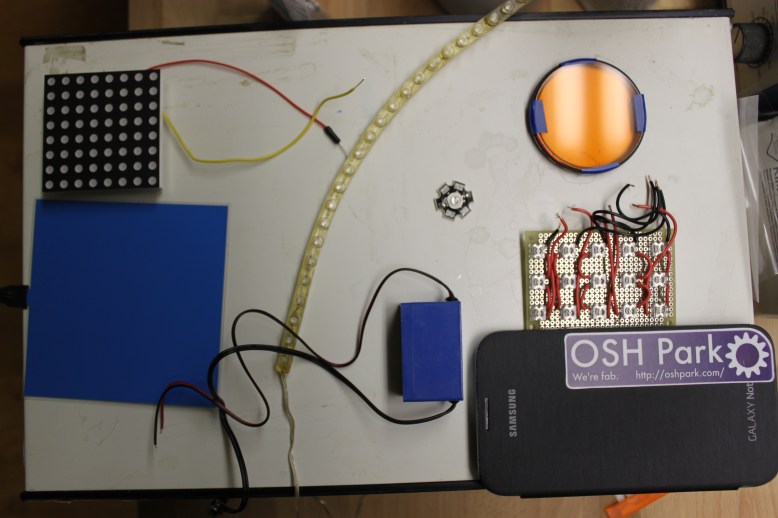
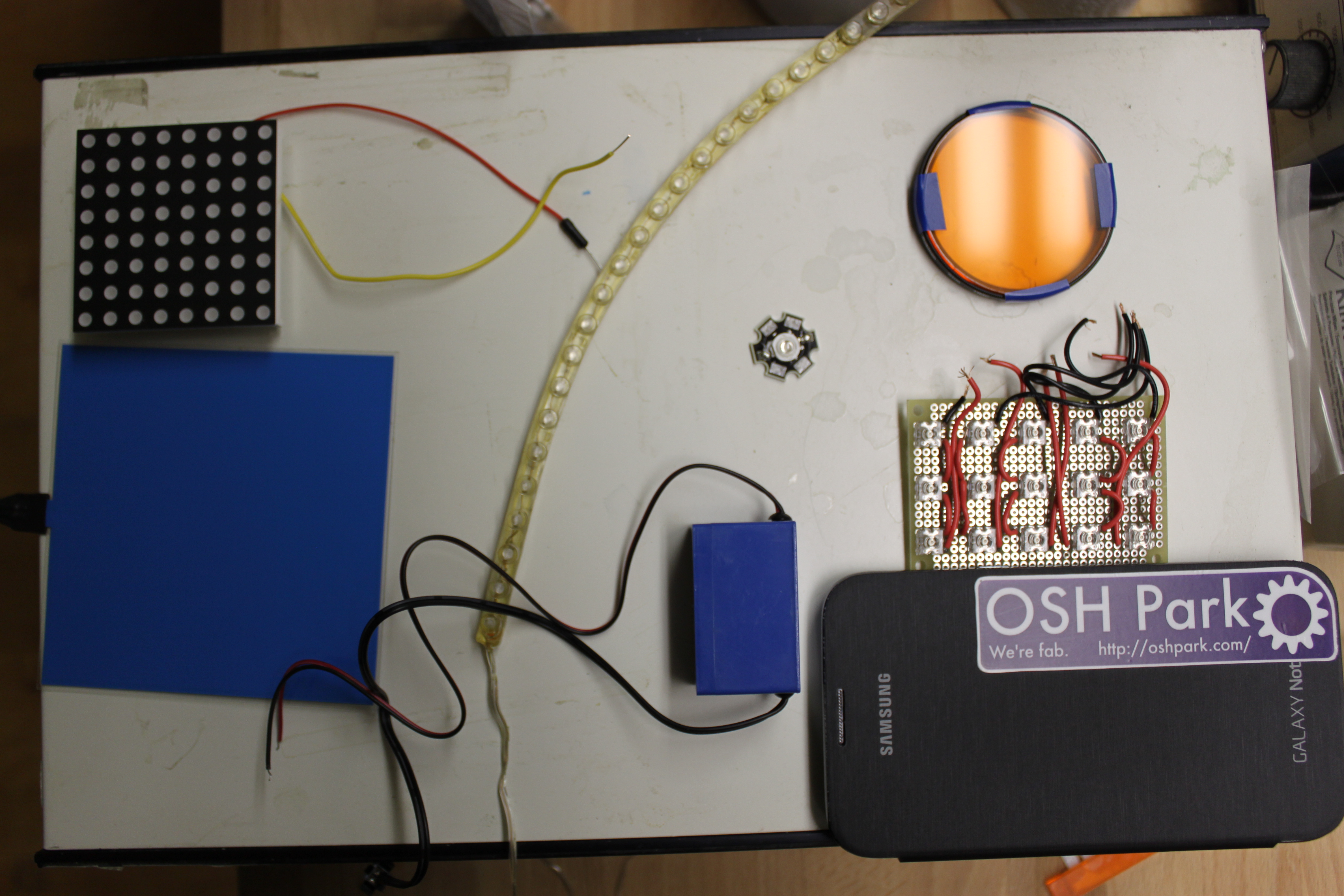
upper left, 8x8 panel.  lower left, EL panel.  Middle, 24 led car strip, 1W LED, inverter.  Right top, lens filter.  Right middle 3x5 LED panel, lower right cell pone.

upper left, 8×8 panel. lower left, EL panel. Middle, 24 led car strip, 1W LED, inverter. Right top, lens filter. Right middle 3×5 LED panel, lower right cell pone.

The various light sources I tested were:

  • Electroluminescent panel, powered with 12V inverter
  • 8×8 off-the-shelf RGB LED matrix
  • 3×5 DIY blue LED matrix
  • 1W  Blue “star super ultra brigh wide angle high power” LED
  • Samsung Galaxy note II on this page
  • 24x long 12V car accessory LED strip
  • Dell latitude E6410 screen again, on this page
  • 2 Radioshack LEDs

The four criteria I will be judging these illumination on are:

  • Brightness.  It is critical that you are able to see the bands and even photograph them
  • Even distribution of lighting.  It is critical that the light be evenly distributed, both for photography and for comparing intensity.  Bright spots can also back-light DNA and make it impossible to see.
  • Ease of use.  It is important that the device be easy to set up, and safe to use. Bare wires and sketchy electrical connections are bad.
  • Cost.  Cheaper things tend to be more attractive.  Folks on a budget tend to care about this!

Now, if you are the TL;DR type, I will tell you flat out what my top choices are.  The Brightest is the 1W LED, provided you can get it running.  I used a bench PSU and it drew ~.3A at ~3V.  The most even is the EL panel, this thing is amazingly even..  Ease of use ends up being a toss up between EL panel and cell phone.  Cheap ends up being a toss up between car LED string and cell phone, depending on what phone you have.  Definitely read the in depth analysis of each option though, because there are a lot of pros and cons hidden in these generalizations.

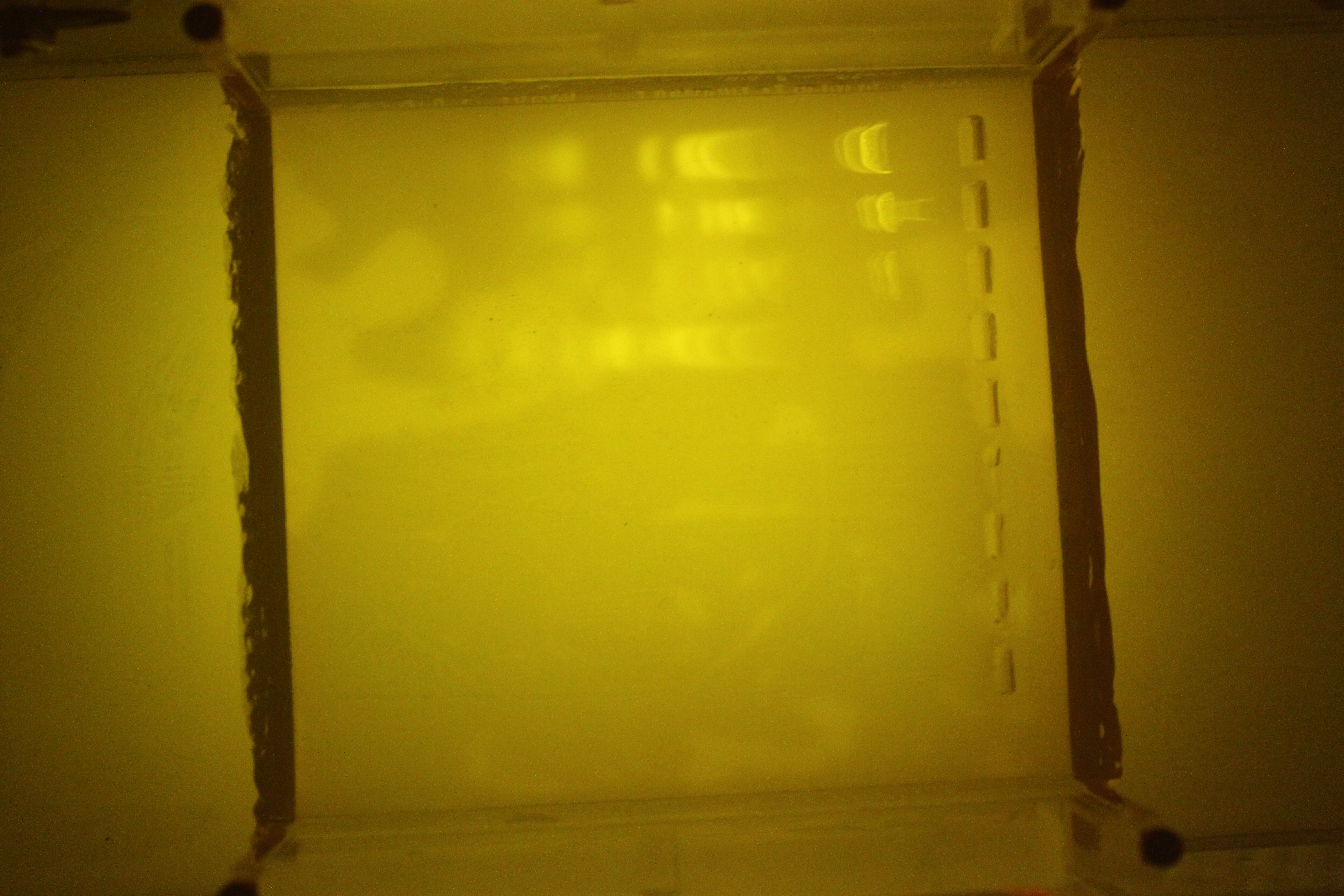
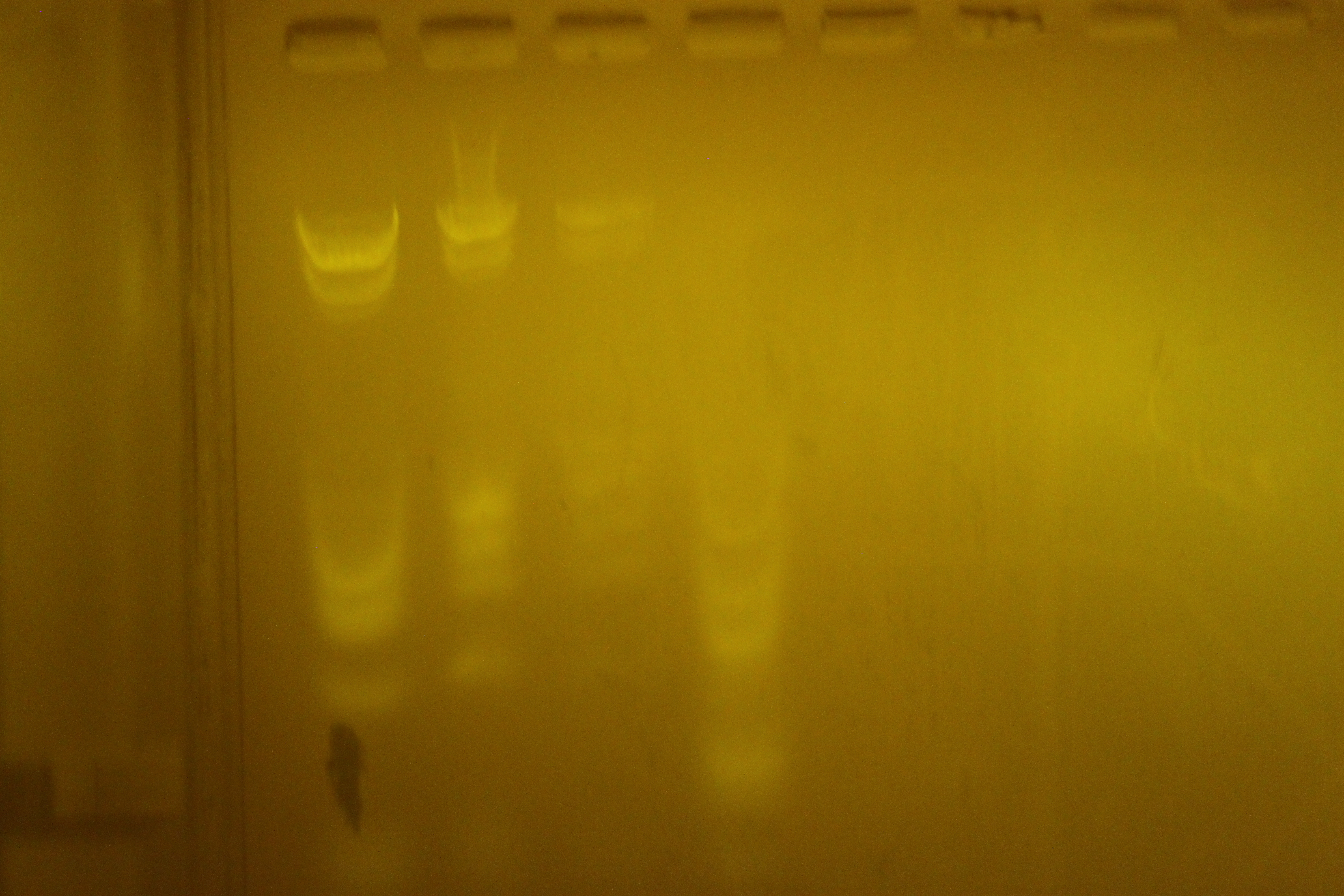
Notes about photography and the test gel:  All photos were taken with a Canon T1i with a 35-55mm lens (iirc).  Some were taken with manual focus, and some with autofocus.  I used the filter mentioned in this post to take the pictures, as it would be cumbersome to set up a filter for every shot.  The gel columns, from “left to right” are 1ug quickload broad range ladder (NEB #N0303), .5 ug of the same ladder, .15 ug of the ladder  and 1ug  of 100 bp ladder (NEB #N3231).  I was run for about an hour at 100V, averaging 50ma in 1% TBE 1% Agarose gel, and in TBE buffer.  However, I suspect the gel concentration is actually on the high side, possibly as high as 3-5%.
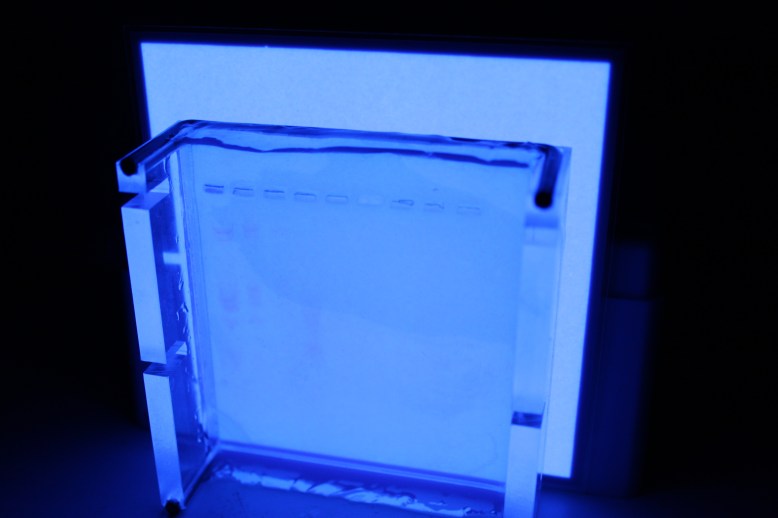
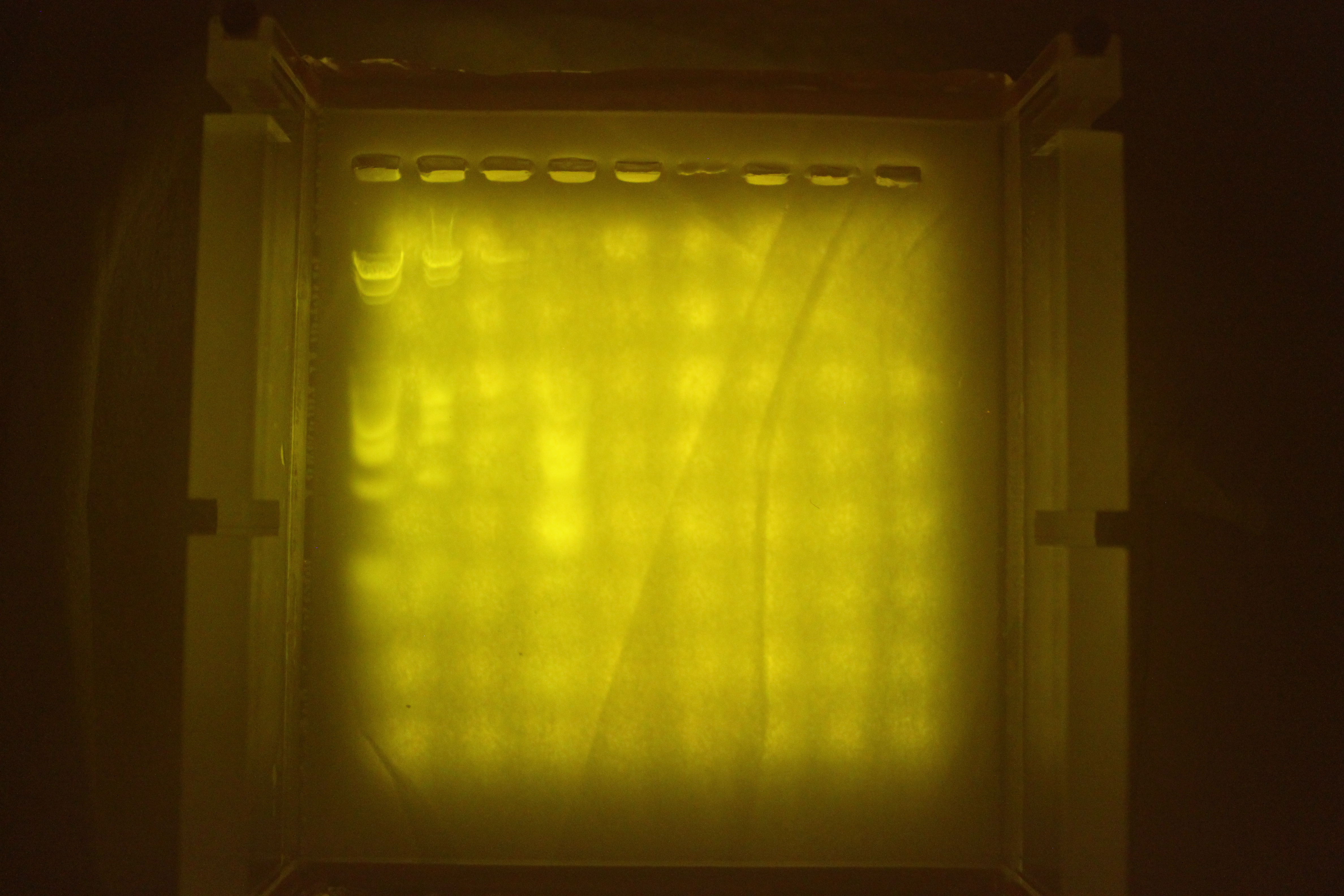
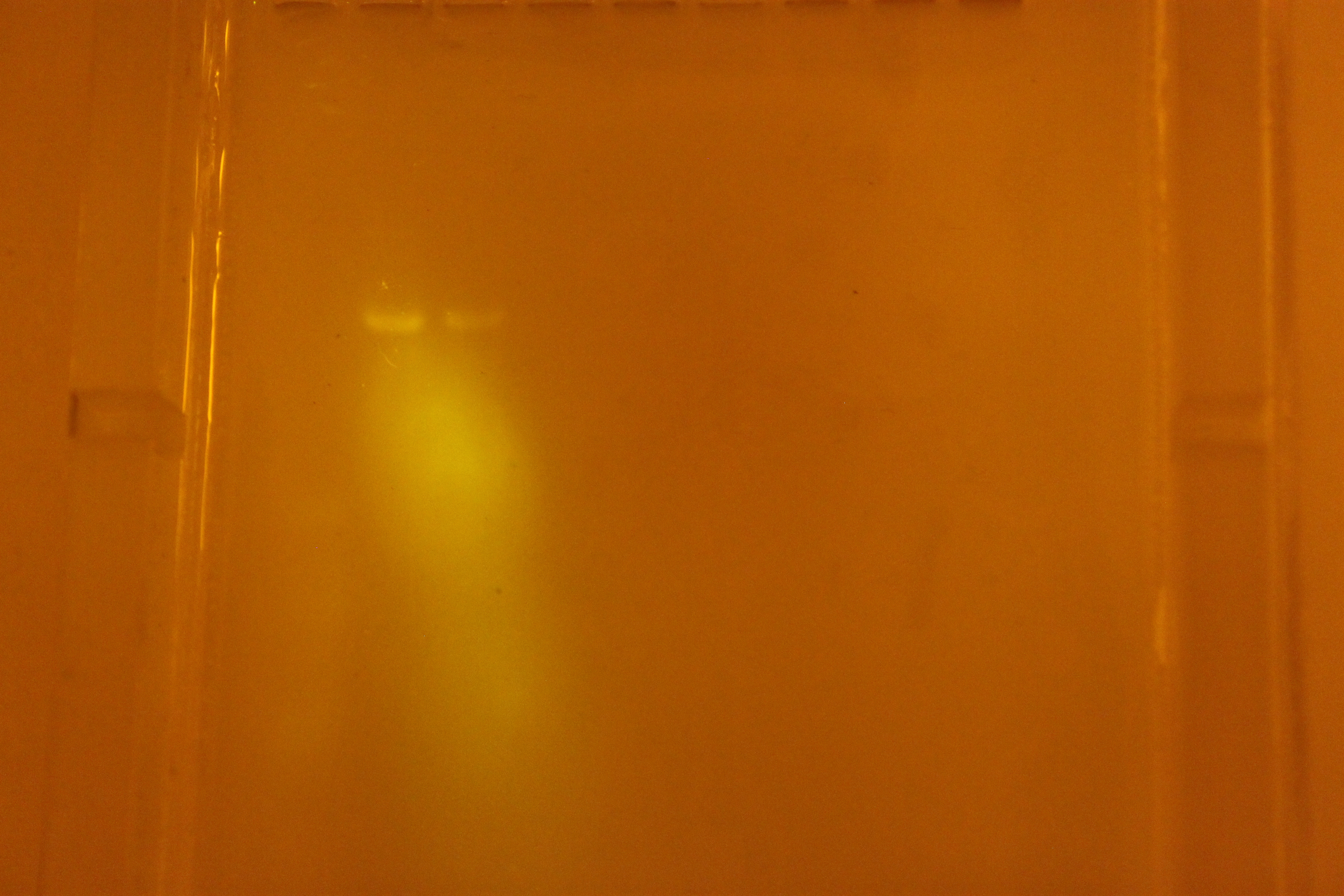
Even without a filter, your eyes and even the camera can pick out bands on the left.

Even without a filter, your eyes and even the camera can pick out bands on the left.

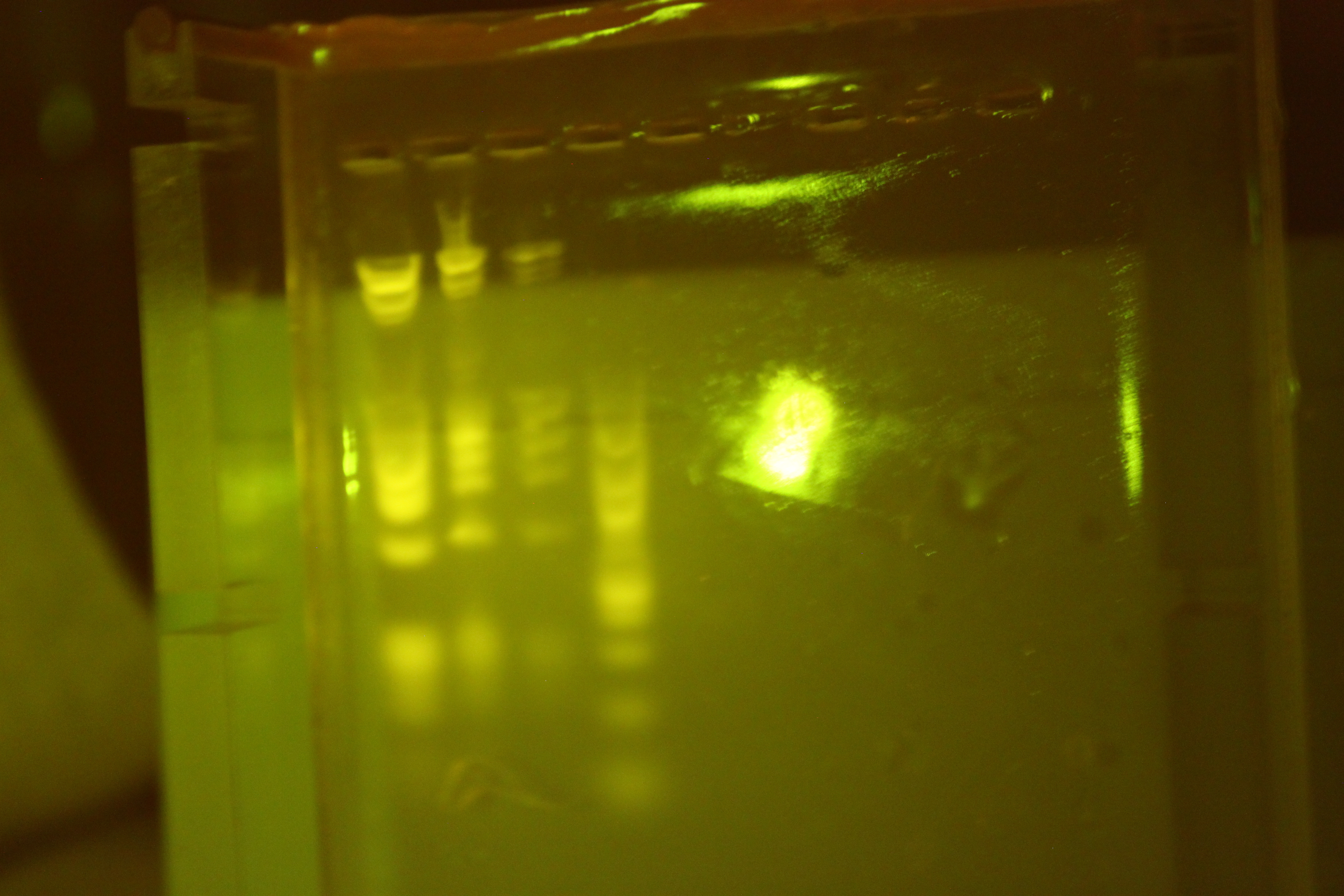
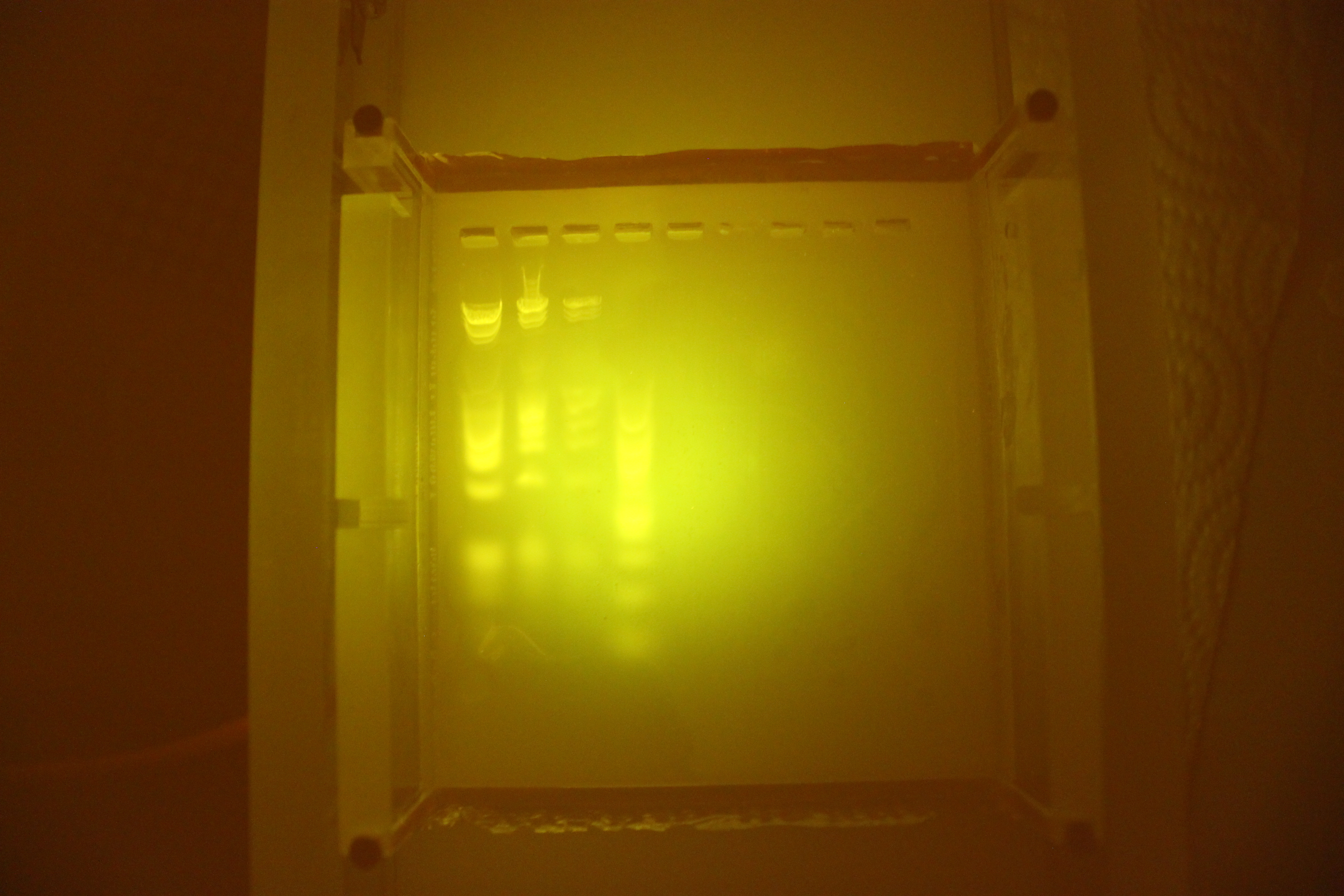
The EL panel turned out to be my favorite.  It provides a perfectly evenly illuminated  4″x4″ square, and is nearly paper thin.  It is so even that in the dark, you can see the bands without filtering.  LEDs tend to make it impossible to see this because they cause too much contrast, and small details like the fluorescing of the bands get ignored as noise or washed out.
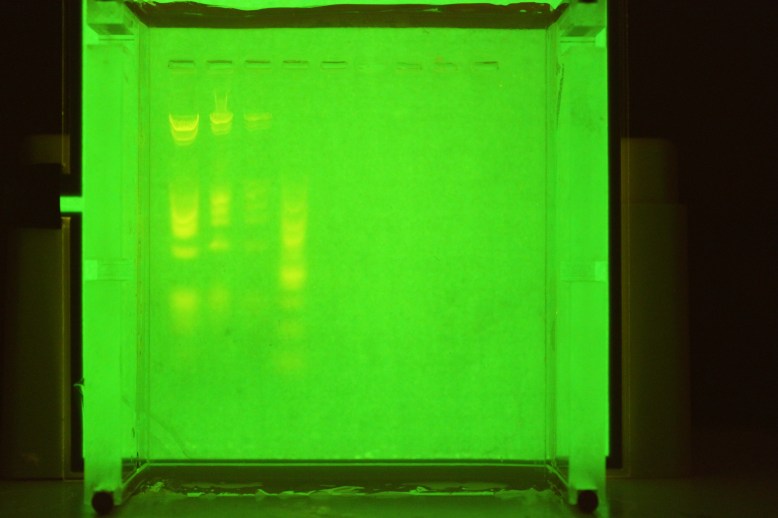
Super even, plenty bright, extremely thin

Super even, plenty bright, extremely thin

Have I mentioned how EVEN it is?  This is without any kind of diffuser.  It is mad thin too- about .020 inches, which is roughly 4 sheets of paper.  This stuff is pretty amazing for this.  If you over-volt the inverter by 5 or 6 volts, it is even brighter!  You can get these reasonably cheap from china (~$10-20) or you can grab them from adafruit with an inverter of your choosing for about $25, where the panel costs $13.  Overall score:

Brightness: 4/5 Could be brighter, over-volting makes it look better

Evenness: 5/5 the most even

Ease of use: 5/5 works out of the box

Cost: 3/5 could be cheaper, but I would say it is worth it.
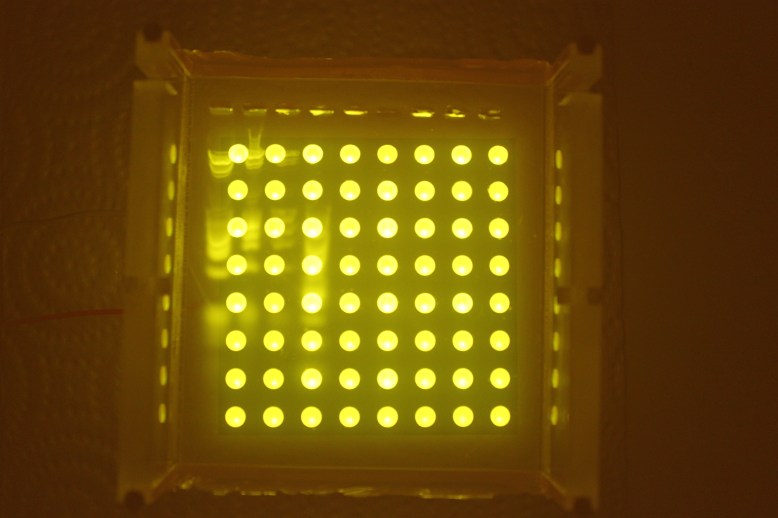
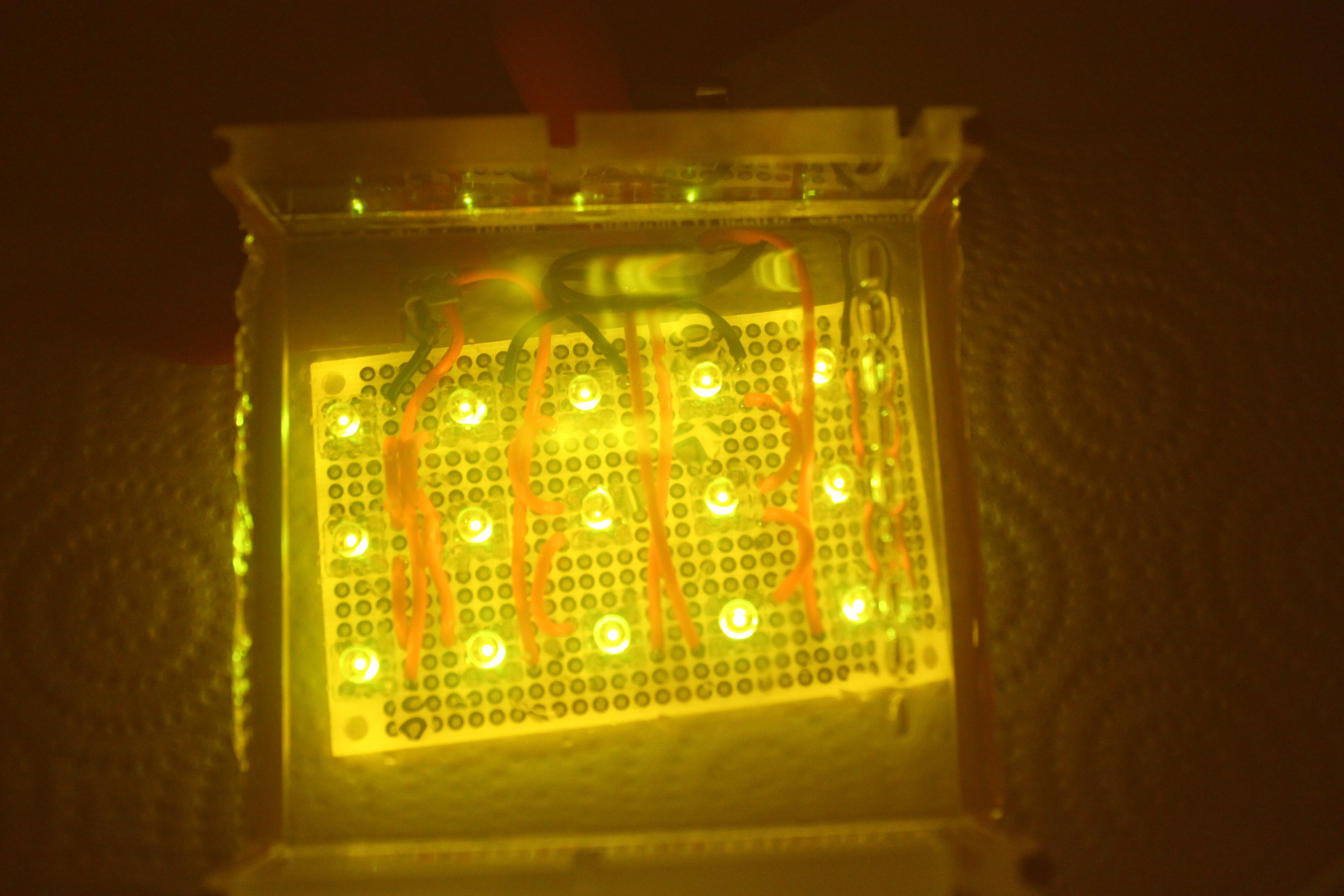
Very uneven, but very bright.

Very uneven, but very bright.

This is the 8×8 panel.  It draws almost an amp at 3.2V, and it runs off of 5V USB power as quite nicely.  A big problem with this light is that it is not even, and that it is too bright, and washes out the fluorescence of the samples.  A diffuser helps with the uneven lighting and the high contrast between the lit LED and the dark panel.  I tried a paper towel (bad), some thin foam packing material (bad) and a piece of white plastic (good).  With the plastic, it is quite even towards the center, but it is smaller than the gel so it is not as good on the edges.
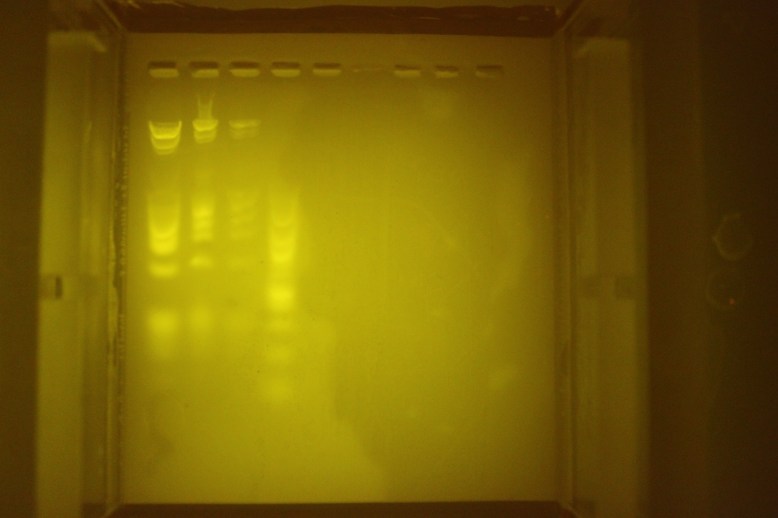
Diffused with translucent plastic, notice vignetting on top and right edges.

Diffused with translucent plastic, notice vignetting on top and right edges.

Check out the corners here, where it is kind of dark.  The panel is not as big as the gel, so it vignettes the edges.
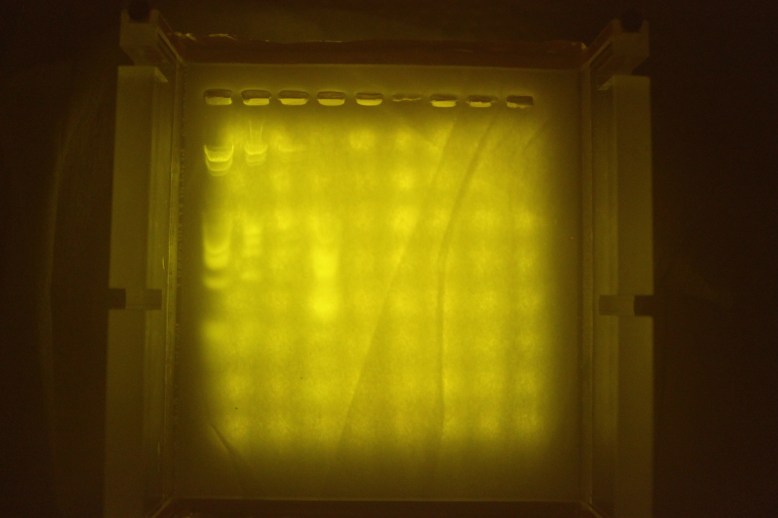
Diffused with some packing foam.

Diffused with some packing foam.

This is the packing foam, as a comparison.  The LEDs shine through and make it really hard to see lane 3 and 4.

The breakdown for the LED panel is:

Brightness: 5/5 way, way super blind-you bright.

Evenness 3.5/5 Can be OK in the middle.  Probably ok if that is all you can get.

Ease of use: 2/5 requires soldering, reading a datasheet, and hoping your power supply cant provide enough power to blow them up

Cost: 5/5 if you have a soldering iron, wires strippers, and wire, and can read a datasheet this is a great deal!  It is about $6 on ebay.
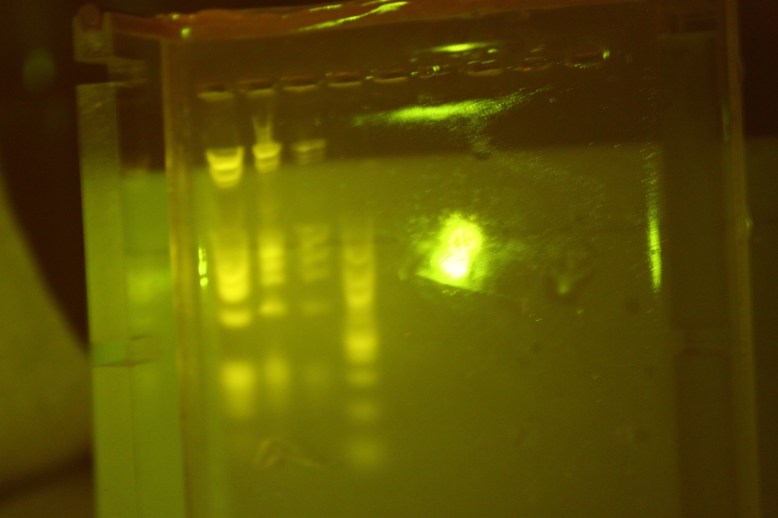
Really bright, and reflects a lot.  This is the best shot I got of front-on illuminaiton.

Really bright, and reflects a lot. This is the best shot I got of front-on illuminaiton.

Next up is the 1W LED.  This thing is a beast!  I am definitely going to save it for projects later, but it kind of sucks for gel illumination.  It is just too bright, and a point source of light is no good for this.  You would need a longer path length to the gel than is practical for what I want to do to prevent extreme vignetting.  It also creates extremely bright reflections if pointed at a gel.
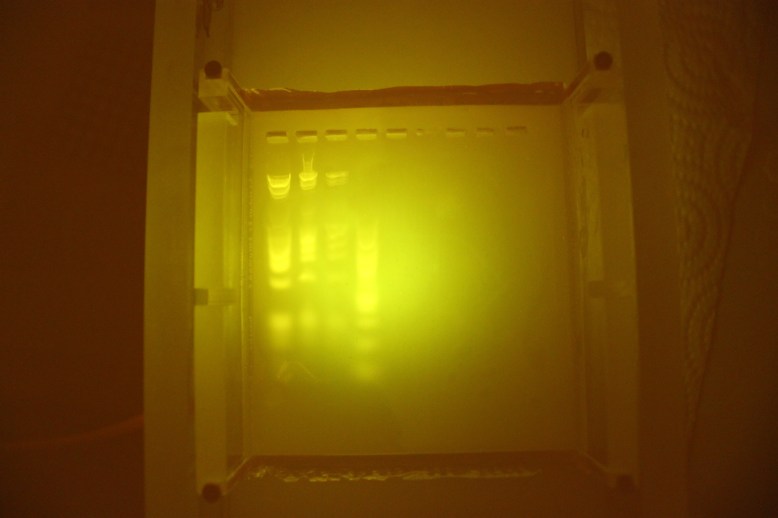
aaaah, uneven!

aaaah, uneven!

This is what it looks like diffused.  Its not particularly useable, as it is even less even than previous LEDs.

Brightness: 11/5 this is blinding if you look at it for too long.

Evenness: 1/5 basically as far from even illumination as you can get.

Ease of use: 4/5 if you have a PSU, you can get these with a heat sink and just alligator clip them.

Cost: 5/5 These are pretty cheap, $10 will get you 10 LEDs on heat sinks.  You could probably light a whole room with them.
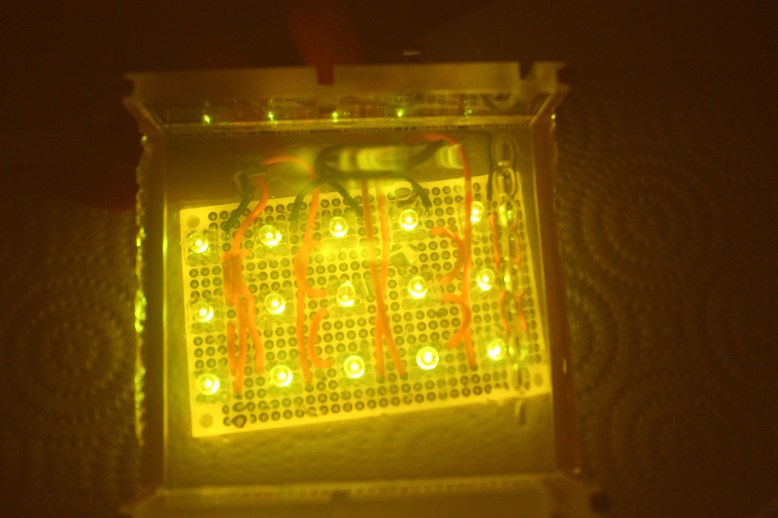
5x3 showing how hard it is to see the over-lit portions.

5×3 showing how hard it is to see the over-lit portions.

Next up is a good LED option if you already have the parts lying around.  Its just a 3×5 array of LEDs.  I happened to have “piranha” style LEDs so that is what I used.  There are 5 rows of 3 LEDs.  it runs quite happily at 12 V .3 A.  Li3ke most of the LED options, it is not very even and tends to blow out the highs and make it impossible to see your DNA.
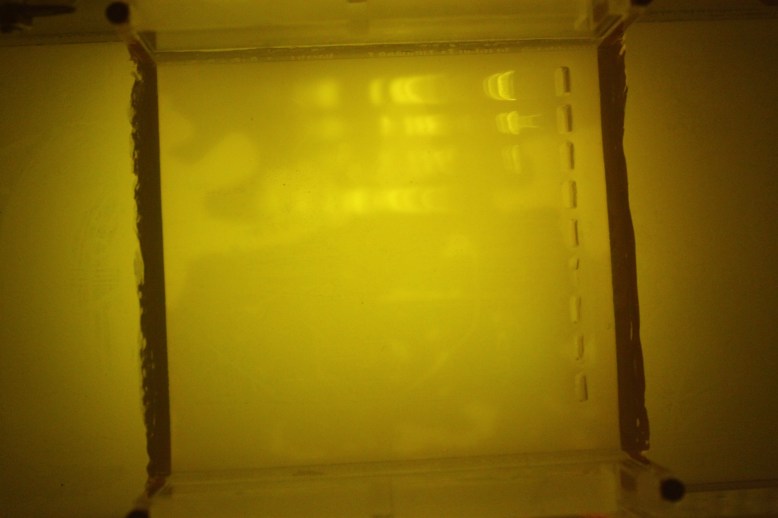
3x5 oriented the same way as above picture under diffuser.  Note top to bottom of image drop off in intensity.

3×5 oriented the same way as above picture under diffuser. Note top to bottom of image drop off in intensity.

Again, like most LED options, it is much improved by diffusion through some translucent white plastic, but again like most LED options, there is some unevenness in lighting.

Brightness 5/5 very bright.

Evenness: 3.5 comparable to led matrix from ebay when diffused

Ease of use: 1/5 lots of components.  Build this only if you have the parts already

Cost: 2/5 You need so many different tools and things to make this, there is no way it can be cheaper than the $5 8×8 panel.  You need wire, protoboard, a soldering iron and roughly $10 in LEDs!  On the other hand, if you have this stuff lying around it can be cheaper than the other potions.
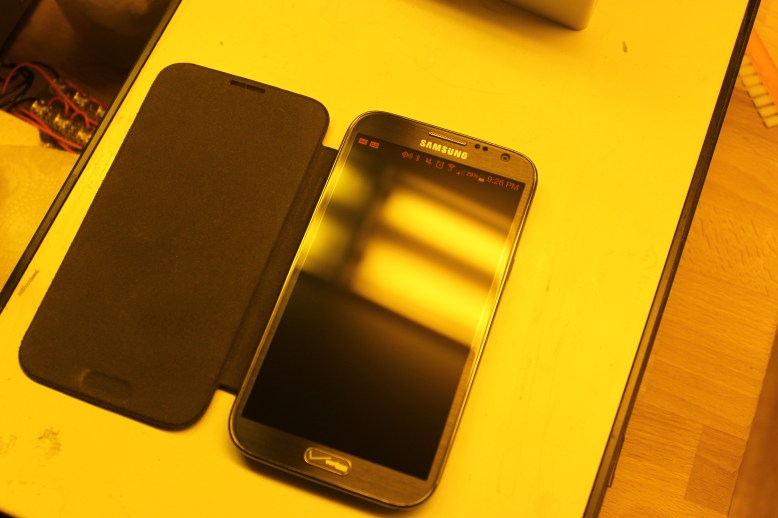
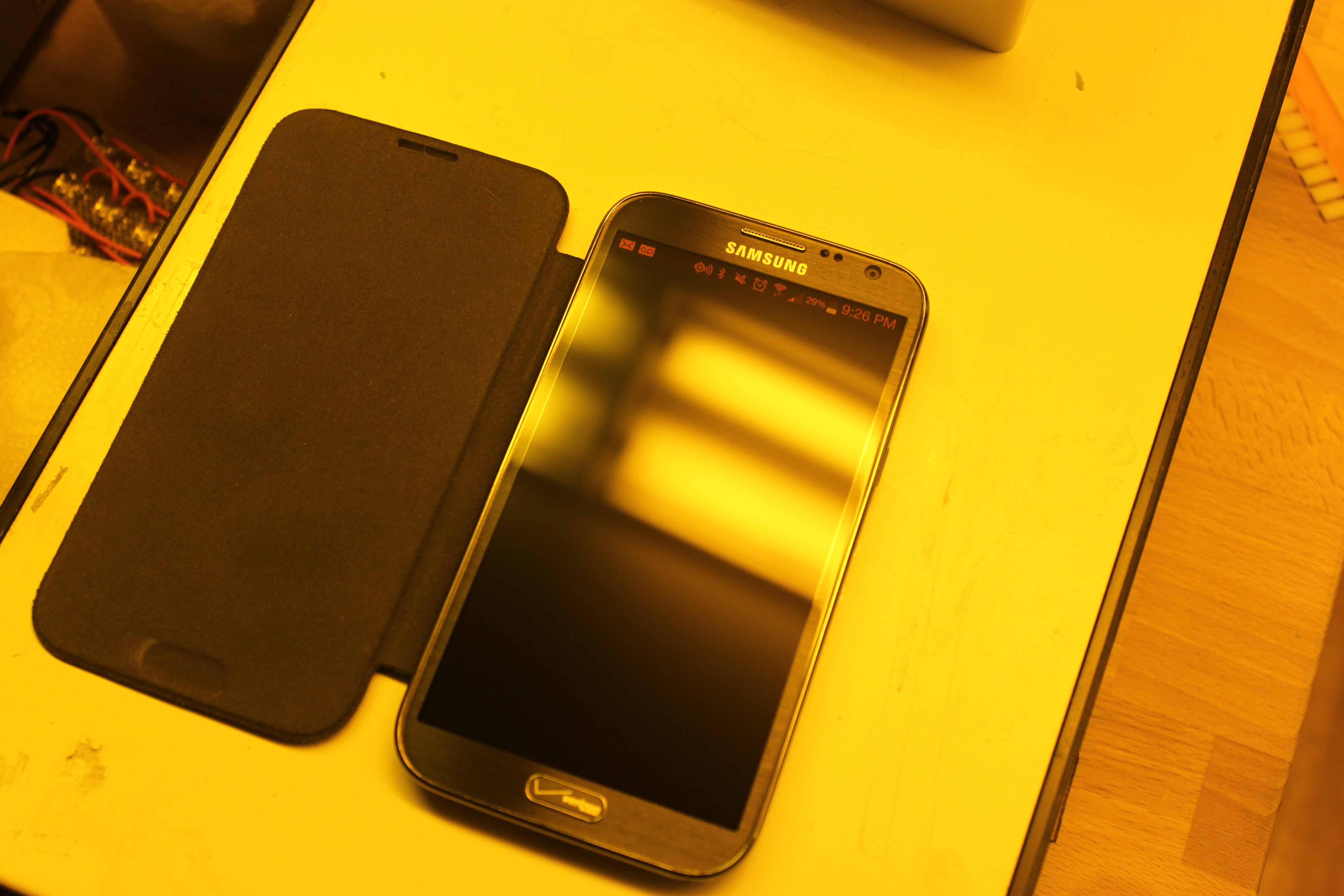
That's no cell phone, its a transluminator!

That’s no cell phone, its a transluminator!

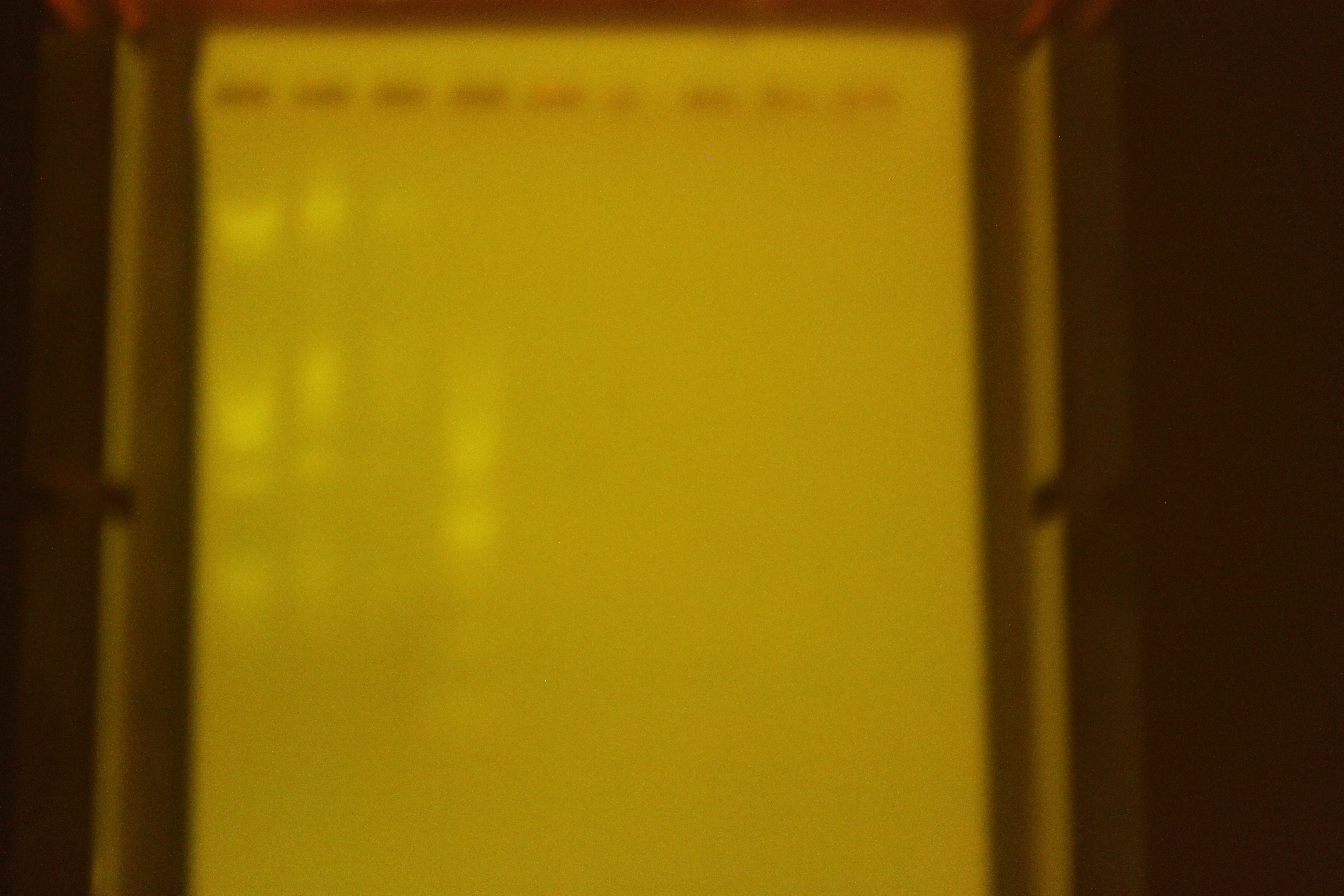
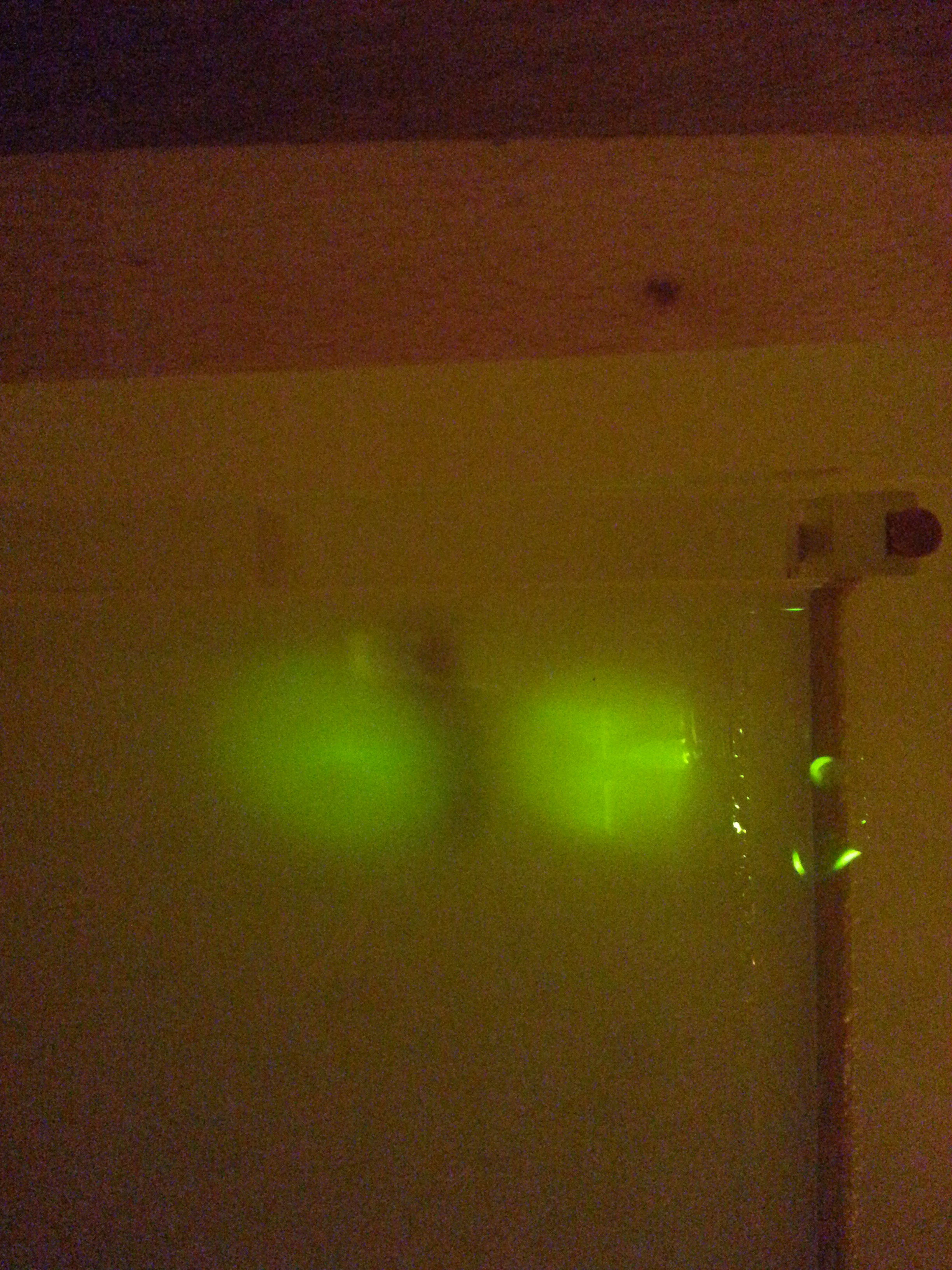
That’s right!  Cell phone.  I was able to use my Samsung Galaxy Note II as the light source for translumination.  I just plopped the gel tray down on my screen.  I didn’t have a tripod or anything, so they came out blurry, but you can see that there is definitely enough light.  Depending on what you have lying around, this could be pretty cheap or pretty pricey.  I recommend trying your own phone to see if it works.
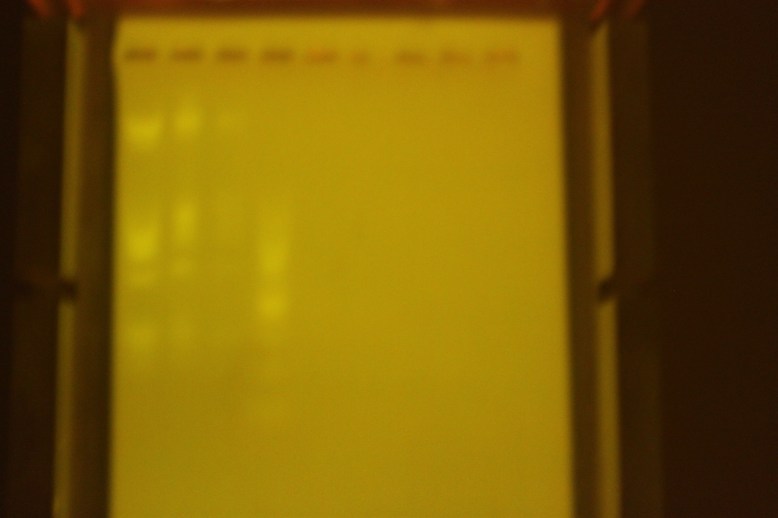
Blurry, but that is my fault.  Definitely enough light for a photo.

Blurry, but that is my fault. Definitely enough light for a photo.

Blurry, but definitely enough light.  It was fine for use with just my eyes and a filter.  It would be cool to use this as a transluminator, because you could add a scale or other useful stuff in the background.

Brightness: 3/5 useable

Evenness:5 just as even as the EL panel, but phones tend to be a little smaller.

Ease of use: 5/5 Just google “blue”, and pull up a picture of a blue test color.

Cost: 2/5 this is a pricey phone, but it comes down to if you have a phone or not, screen size and if you  want to test it.  I would be interested to know if your phone works.
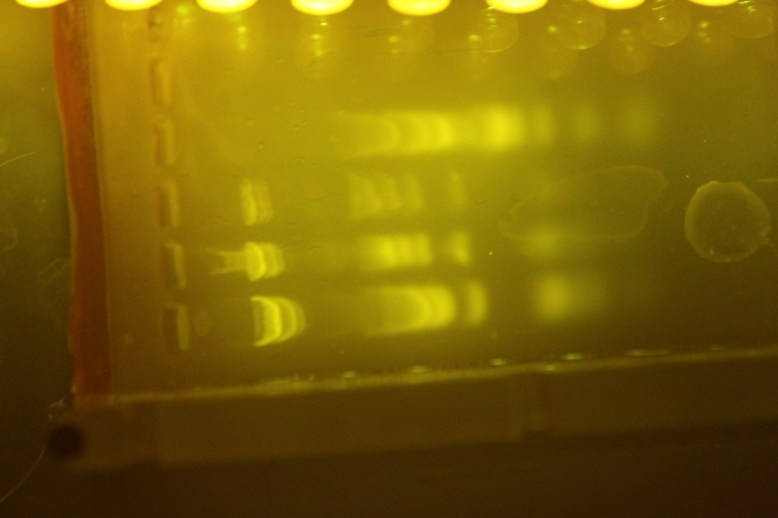
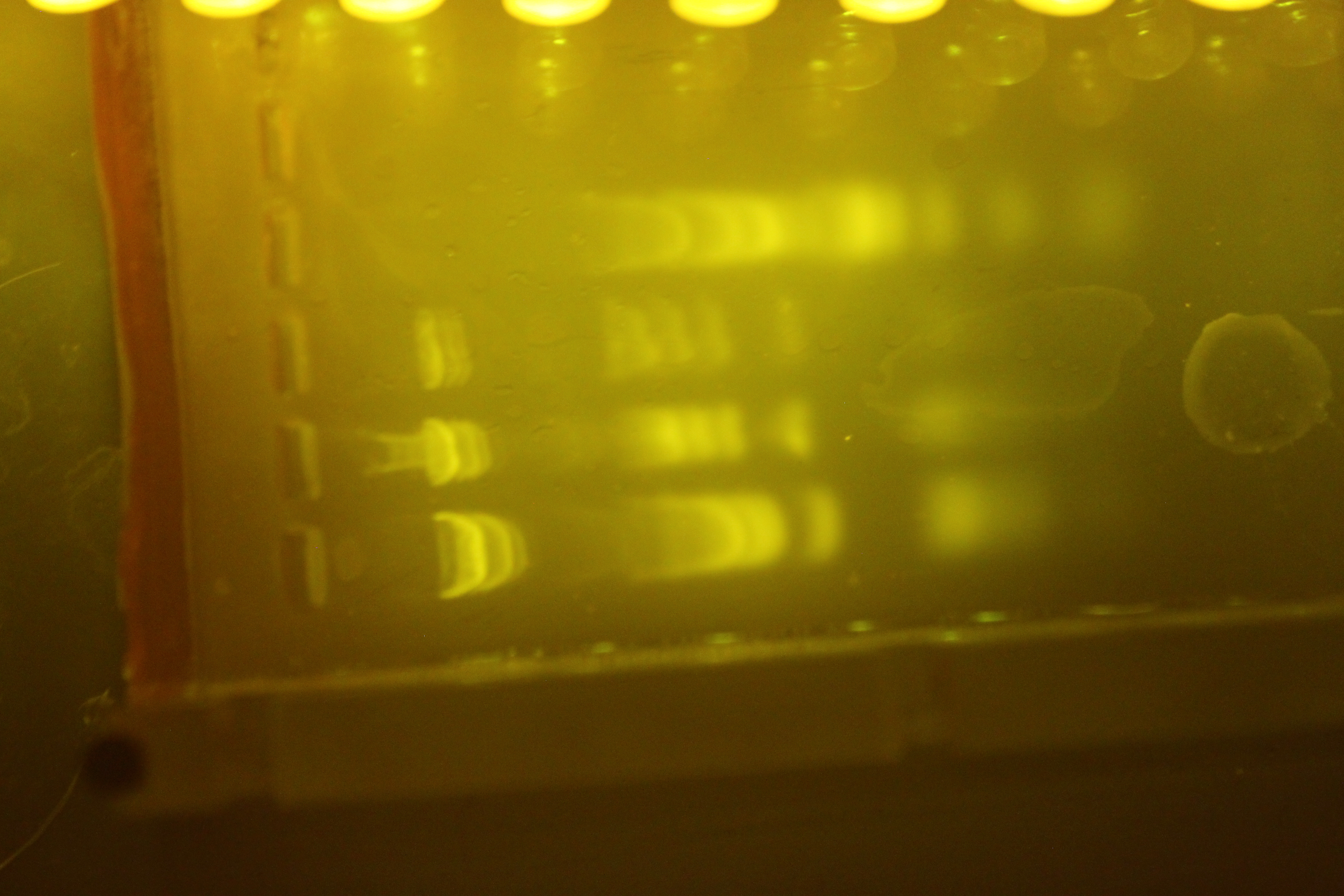
Toplit Gel.  This works suprisingly well, and gives you a lot of bang for your buck.  Lots of reflections though.

Toplit Gel. This works suprisingly well, and gives you a lot of bang for your buck. Lots of reflections though.

Next up, sketchy car accent lights.  These are the kind that go under and inside of cars to give them a blue glow.  They are extremely cheap and can be had for under a dollar or two with free shipping on ebay.  These suck for transluminating (through the gel) but produce decent results when shining on the gel from above.  However, there are three problems with these lights.  First, illuminating the gel from above creates reflections.  Reflections are bad, because they can wash out or appear to be bands.  Second, they are long and stringy so it requires quite a bit of wrangling to get them to be where you want them.  And finally, they are cheap and delicate- I just started using this strand, and some of the lights have already started to flicker and go out when it is bent.  I would rate these as bright, but not as bright as any of the other LEDS.
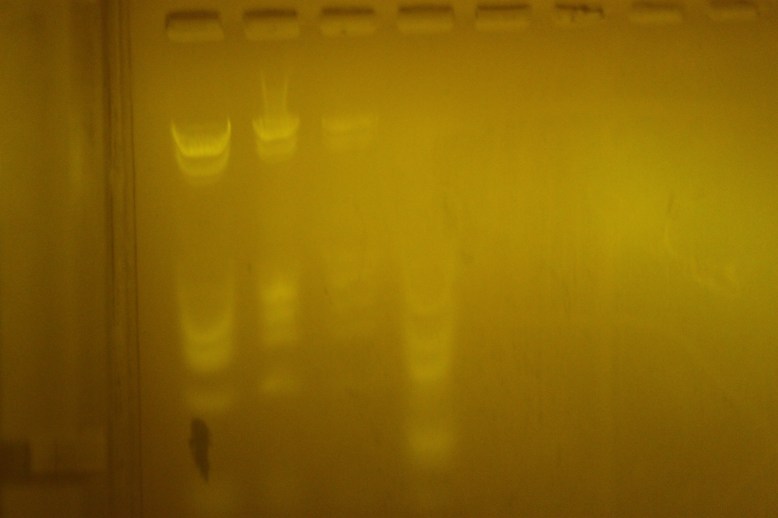
notice the arc of light in the diffuser

notice the arc of light in the diffuser

Gel lit through a diffuser.  Useable, but not very even. The strand has a top left-to bottom right arc, and if you look at the picture, you can tell.

Brightness: 4/5 not as bright as the other leds

Evenness: 3/5 not even, even if diffused, since they emit a rather narrow beam, the illuminated area tends to follow the strand.

Ease of use: 3/5 no assembly, but it is tricky to get them to stay where you want them

Cost: 5/5 Super cheap.  Costs about a dollar, with FREE SHIPPING! woah.
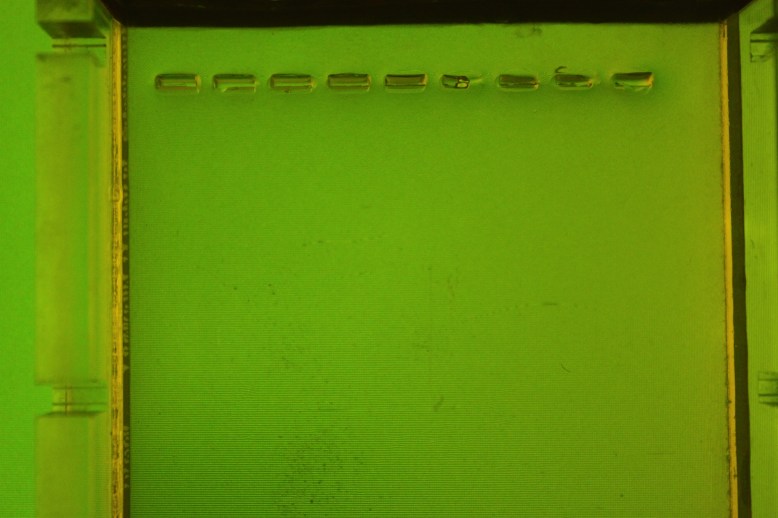
Hmm.  Didn't work!

Hmm. Didn’t work!

This is my computer.  Surprisingly, it did not work as an illuminator.  I am not sure why!  Here is a picture anyways.
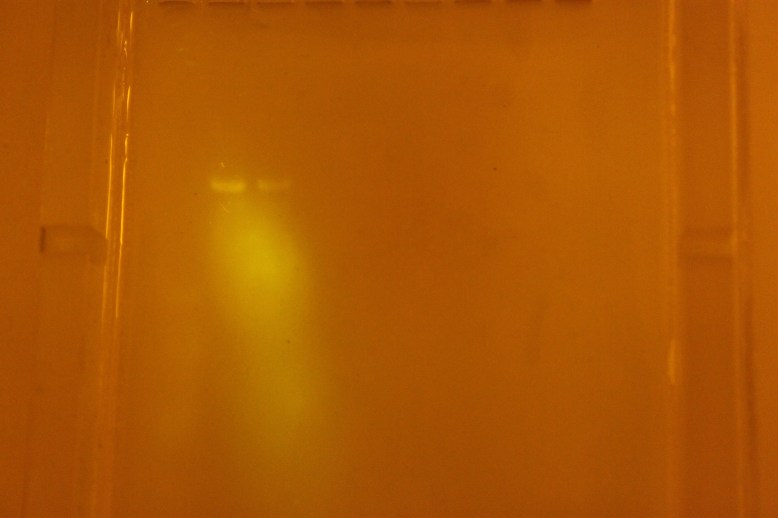
IMG_4599

Ah, ye olde radioshack blue LEDs.  Not a bad option if you are desperate, but the lighting is totally uneven, and they are expensive for what they are.  Most of my previous pictures on bosslab.org or here were taken with blue leds of this sort, or with the previous car led string.

Brightness: 3/5 not very bright.

Evenness: 2/5 not very even at all.

Ease of use: 4/5 Easy to get the day-of, and pretty easy to wire up.

Cost: 4/5 no way they should cost that much, but then again, it’s radioshack.

I am torn between the EL panel and the 8×8 LED panel for the gel box I want to release.  The 8×8 would require a lot more pieces and assembly to make it easy to snap together for the user- including at least 1 PCB, some resistors, soldering assembly (both through hole and SMD) and an additional diffuser.  The EL panel just needs a power hookup, and since the boost converter runs on 12 v already, it just needs to be wired to a switch.  On the other hand, the 8×8 panel is really cheap.  If you are a beta tester (or not), let me know what you think!
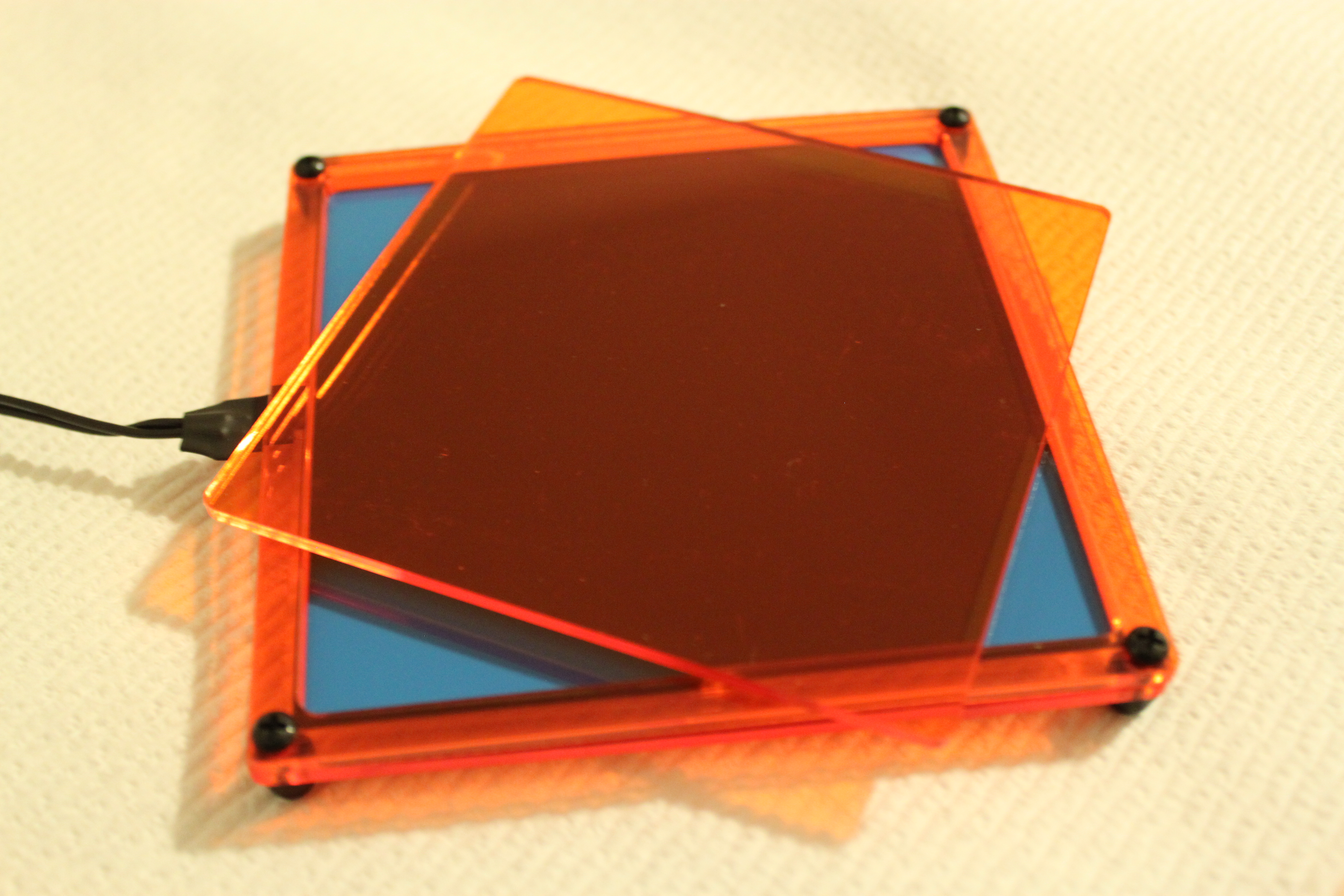
GelIS: The Box

GelIS yet?

GelIS yet?

HEY, if you are interested in beta testing one of these systems, I am looking for users.  I will supply the box, the transluminator, and 100v variable power supply for $150.  Fill out this form if you are interested.  I expect to ship by mid august.

GelIS is a backronym for Gel Integrated System.  As I mentioned before, I want to respond to the needs of the DIY bio community with the design.  The design criteria are:

  • Easy to build: You should be able to put it together in less than 10 minutes, and run a gel.
  • High Quality: This should look professional, and you should be able to use it for a long time
  • Low Cost: Many of the potential users are students (who don’t make much money), schools (which don’t have much money) and folks who are new to biology (and are unsure of spending a lot of money).

Traditionally, the gel box itself has been very expensive.  I believe this is the result of the complexity of the design.  One way to quantify the complexity of a design is to look at how many pieces it has, how many materials there are, and how they are fastened together.  Below are some comparisons of boxes, looking at the “box” part alone, including combs and whatever you need to cast, and ignoring everything else.  Included are the prices new.

Pearl biotech ($200 ish): 13 plastic pieces (one thermoformed), 2 rubber gaskets.  13 acrylic weld joints, 2 glued gaskets, roughly 5 materials (rubber gasket, thick acrylic, thin acrylic, white acrylic, amber acrylic)

Owl Mini Gel Box ($400 ish): 15 plastic pieces (several thermoformed, and two injection molded), about 20 weld joints, 2 glued gaskets, roughly 4 materials (gasket, injection molded plastic, yellow plastic, clear plastic)

“BIOTANG” Gel box ($350): 7 pieces, injection molded.  This one is kinda cool because you can stack gels, and run more than one at once!  two or three materials

GelIS Box ($50):  5 peices, laser cut, 1 weld joint.  Connects to the power system via 3 laser cut pieces, which contain 8 bolted connections.  Pending thermoforming, the parts count can be reduced by two pieces of plastic, and all the bolts.

So as far as complexity goes, the GelIS box has more pieces than the BIOTANG, but less than the other boxes.  It also has a dramatically lower price tag.  This may be because it only has a single weld joint, rather than 13-20 joints.  I intend to weld that joint at the “factory” ensuring that assembly is quick and painless, and that the box is leak free.  Assembly should require no tools other than their hands, to screw a few nuts onto bolts on here and there (screwdriver recommended, but optional).

An Electrophresis System For DIYBIO

IMG_4627

GelIS Gel Box

HEY, if you are interested in beta testing one of these systems, I am looking for users.  I will supply the box, the transluminator, and 100v variable power supply for $150.  Fill out this form if you are interested.  I expect to ship by mid august.

There have been several attempts to build and sell gel boxes to DIY biologists.  As far as I am concerned, they are all too expensive and too complicated.  Lets look at the two products aimed and produced by diy folks: the Iorodeo kit and the no longer available pearl biotech box.

The IO rodeo Box, image from their website

The iorodeo box is a conventional shaped gel box with two deep buffer wells.  It costs $93  for the kit, plus about $10 (and $5 shipping) for the acrylic glue, coming to a total of 108, or you get have it shipped to you assembled for $123.  It does not come with cables, and the assembly can be tricky if you have never welded acrylic before.

Gel box and illuminator, from ginko bioworks blog

The Pearl box, which I no longer see listed on their website, is also a conventional design, but if I recall correctly, it came assembled and was north of $190.  I do like their box, and I use it in the lab, but it is kind of pricey for someone who just wants to try some electrophoresis!

Neither of these kits provide a power supply, although Iorodeo sells one based on what looks to be a boost converter for $65, unassembled.  $95 will get you an assembled power supply, and for $110 you can even get the 15V power supply to the power supply, which is necessary to make it work.

Both companies sell transluminators, with the Pearl product ringing in at a whopping $299 (read: $300 + s/h) for 64 led array.  To give you an idea of how crazy that is, 64 VERY bright LEDs from digikey come out to $23, or you can go on ebay and get a couple RGB panels of the same size for $5 a pop.  The IORODEO kit is a much more reasonable $80 for the bare-bones no-power supply or assembly kit, or $95 for an assembled LED board, or $112 for assembly and power supply.  This means that if you had bought a pearl box, you would have spent about $500 and still needed a power supply, and if you go with the IORODEO box, you are going to spend $345 for a fully assembled kit, or $285 if you do all the assembly yourself (I included buying the power adapters from iorodeo, but not any assembly options).

Both of these options are pricey, and while the iorodeo kits are encouraging, I think assembly stands in the way of people really doing biology.  Not only do you spend a lot of money on the kit, but there is the daunting task of assembly before you can do what you wanted to do when you spent all that money: run a gel.

IMG_4613

My goal is to develop a gel box, transluminator, and power supply that people can buy for $150, assembled.  You buy it, it gets shipped to you for $5 in a flat rate box, and then you open it and do some ikea assembly (put some nuts on some screws) and you are done.  Thats it.  Now you can run a gel.  Today I finished the first major piece of that system- the box.

Chorded Keyboard: F1rst Pr1nt

I recently bought a 3d printer (makerbot replicator 2…story to come soon) and I have been playing around with printing some chorded keyboard chassis.

MKI

IMG_4561

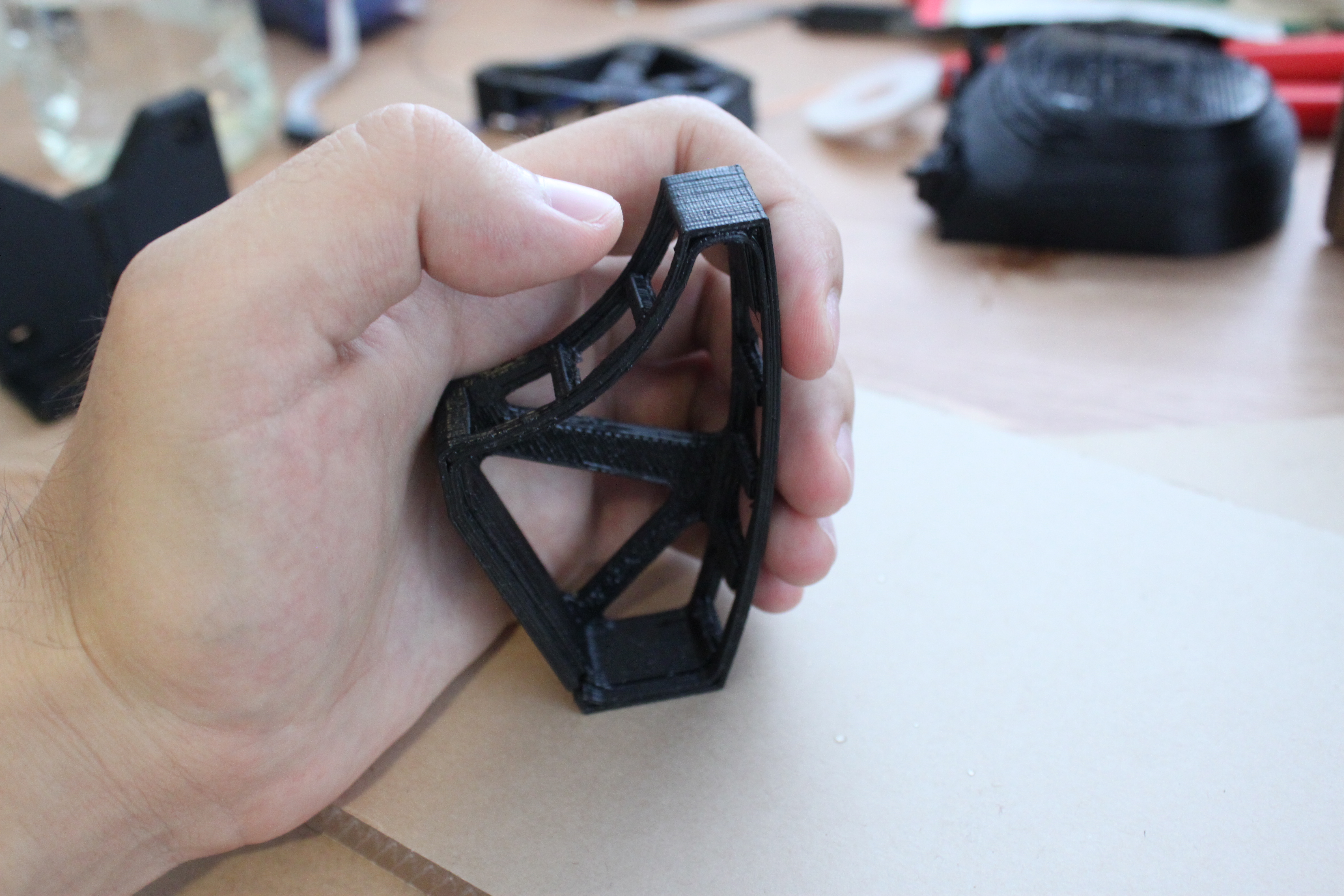
This is the first prototype. The Z axis of the print is away from the pad of my hand, and perpendicular to the cross bar int he back.  I was concerned about rigidity, and the size of the print.  Overall, it is not horribly uncomfortable, but it raised several issues.  Obviously, this thing is tiny in comparison to my hand.  Unfortunately, it is pushing the build area limit on the printer.  Second are the thumb buttons.  This is a 7 key-board, inspired by the spiffchorder and BAT keyboards.  As they are, the thumb buttons are going to be miserable here.  I will have to modify it.  Also, there is no way to keep this thing from moving without a base.  This is bad, because right now there is no “base” connection.

MKII

IMG_4566

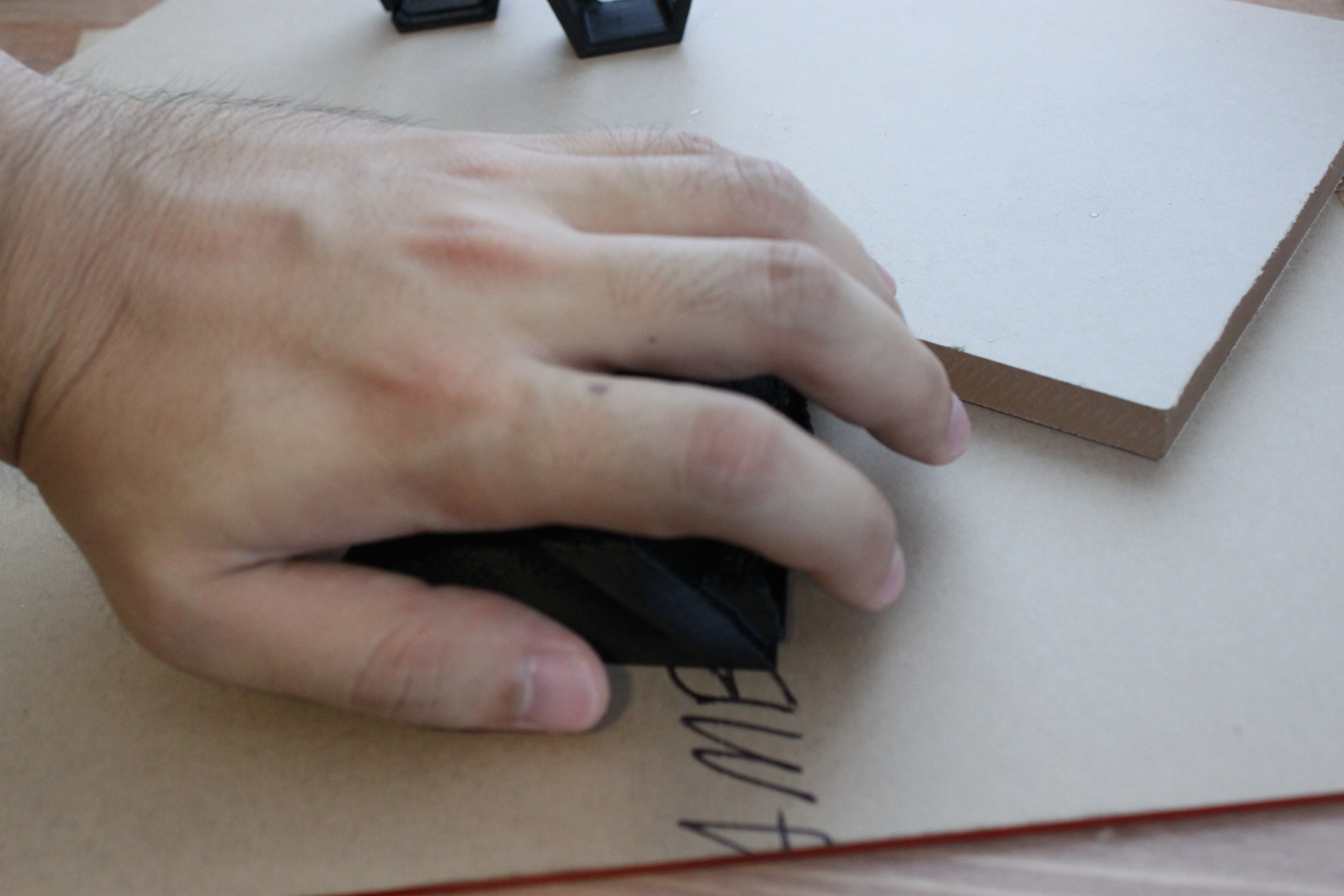
Here is the second concept.  It is meant to be used, stationary on a desk, like a trackball mouse.  Here is the print in my hand:

IMG_4567

The shape and layout is pretty comfortable, especially because I adjusted the key spacing to be that of my hand when it is at rest.  I ahve noticed that my ring and middle fingers touch when my hand is relaxed, while my pinkie and index fingers are .5-.75″ away from their neighbors.  I also adjusted the heights  to match my fingers.

I also decided to do away with the 3 thumb keys, and to replace it with something like a D-pad or three position switch.  that way, my thumb doesn’t have to move much, which should help hold the keyboard steady.

IMG_4571

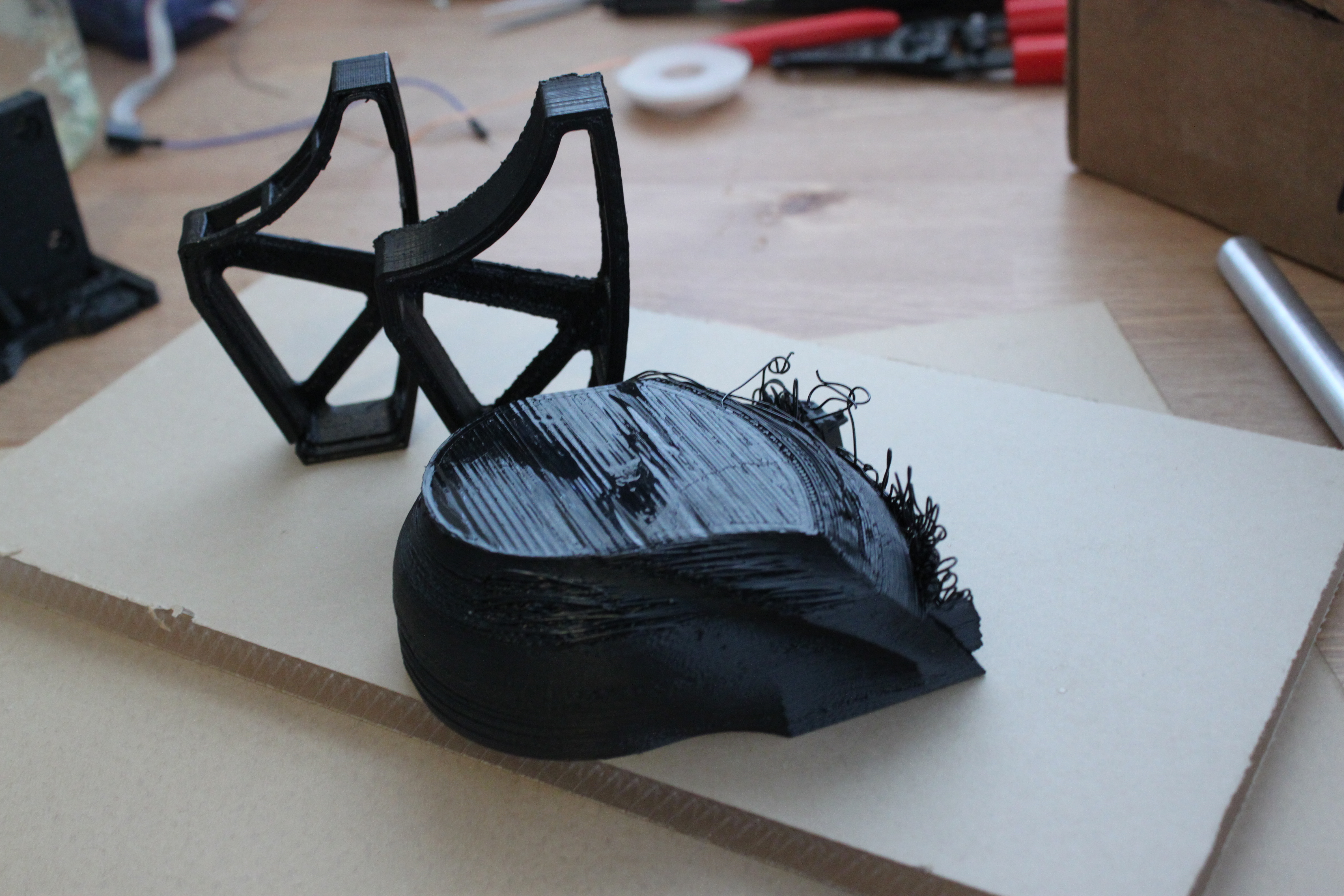
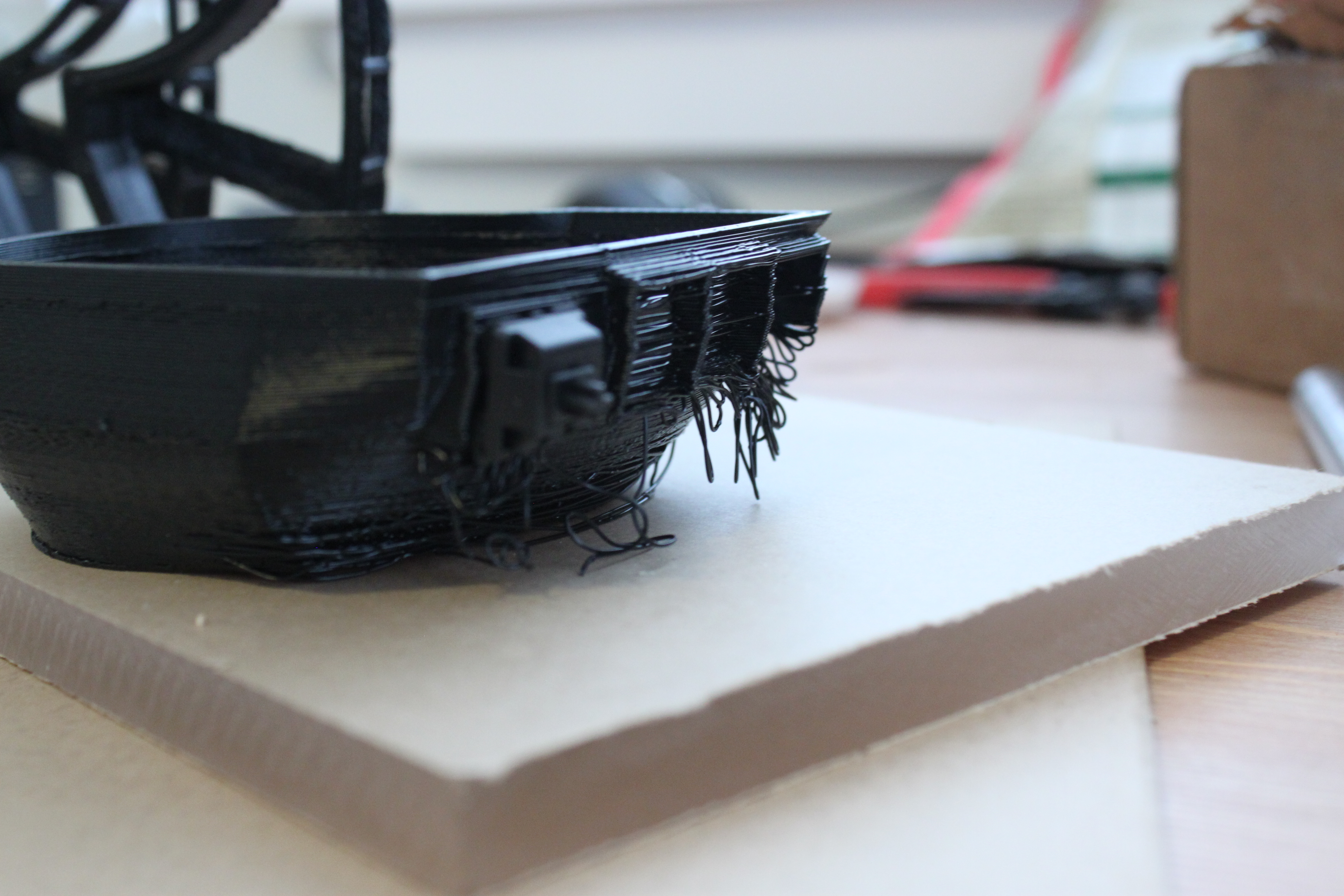
Unfortunately, the keyboard wells did not come out quite right.  Here, you can see the piece in the print orientation.  Note the copious amount of ABS strings hanging off the wells.  No good.  I told the slicer to generate support material, but to no avail.  That is something that will need to be fixed…


DIY Vacuum Manifold

I have been working on several low cost tools for biology, and yesterday it occurred to me to try to make a vacuum manifold.  a vacuum manifold is used to facilitate large volume DNA preparations by applying vacuum to the bottom of the filter column.  They are quite expensive, but simple devices; they are just a gang valve that hooks up to a vacuum pump, generally via luer lock.  As a note, you still have to centrifuge the tubes after you filter them (even in commercial models), but this might be helpful if you have a tiny centrifuge and a lot of preps to do.

My version is simple and cheap, and it works!  There are two main components: the vacuum pump and the manifold.

delrin_fold

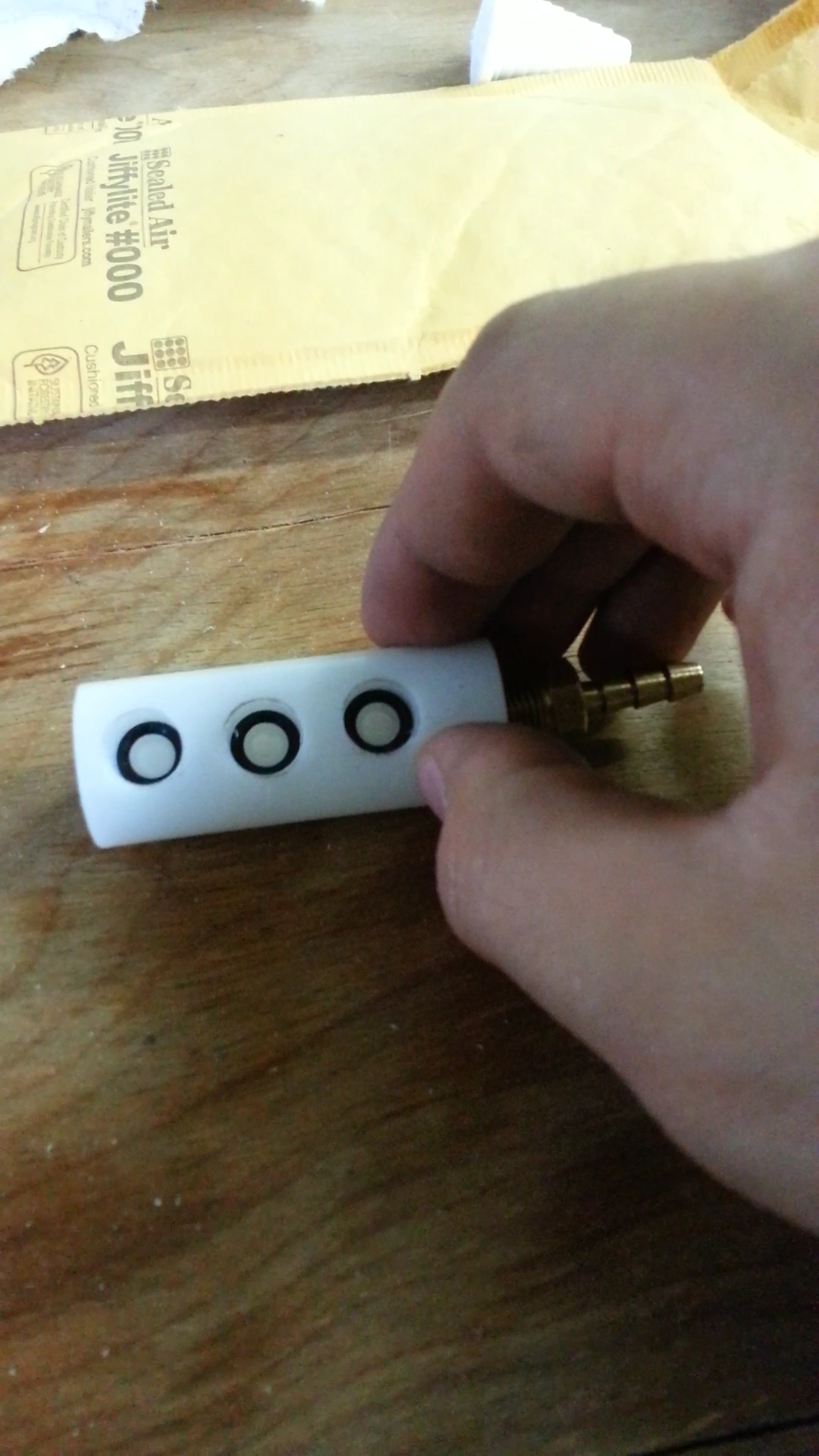
The first manifold was manufactured from POM, aka Delrin.  A few notes on delrin: it is incredibly tough, and smells like fish when machined.  The manifold was basically three  holes drilled perpendicular to the axis of a 3″ piece of delrin.  The axis was drilled to a depth of about 2.75, and a hose barb was connected to the end, where I applied the vacuum.  This iteration was a big fail, because the seals on the tubes were not soft or, the right size (I just had them lying around).  This meant that there was a lot of leakage, and that made it not work, despite looking nice.

manifold

While I was testing various parts of the system to find the leak, I found out that 3/16″ tubing, or “standard airline tubing” for fish tanks is the perfect fit for the little nipple on the bottom of silica prep columns!  This led me to a less mechanically stable, but totally working connection.

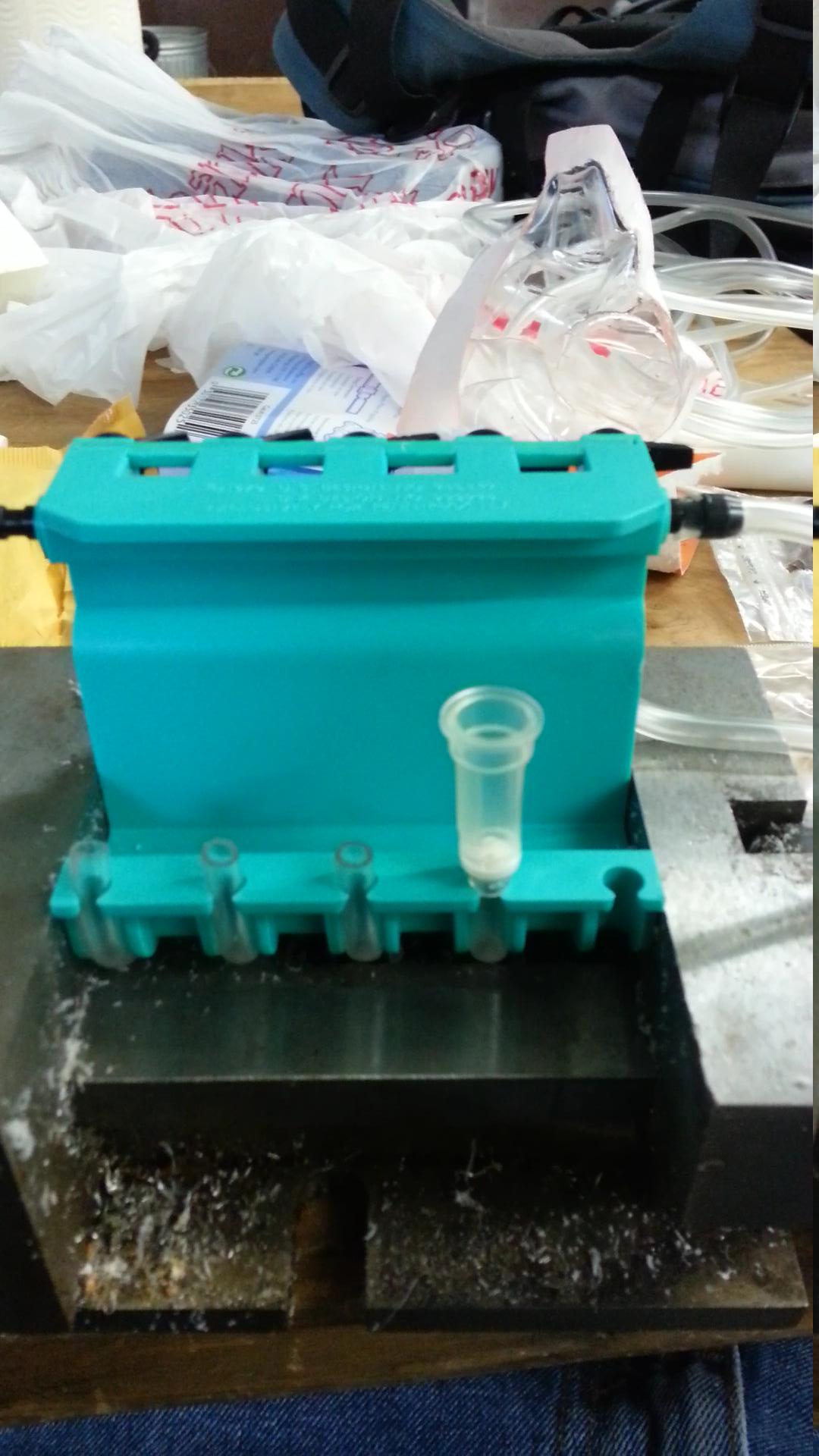
I happened to have a 5-way gang valve (teal thing) from an aquarium in the lab, from the algae bioreactor project.  I rigged up four tubes to fit hypothetical silica columns, and one that went to a water intake.  This is used to help purge air bubbles from the system.

This setup worked surprisingly well!  If I had a vise big enough to clamp down the gang valve, it would be a totally functional manifold.  Unfortunately, it was just a hair too big for the vise and the pump was not ergonomic enough to prevent the pumping from moving the manifold around.

vac

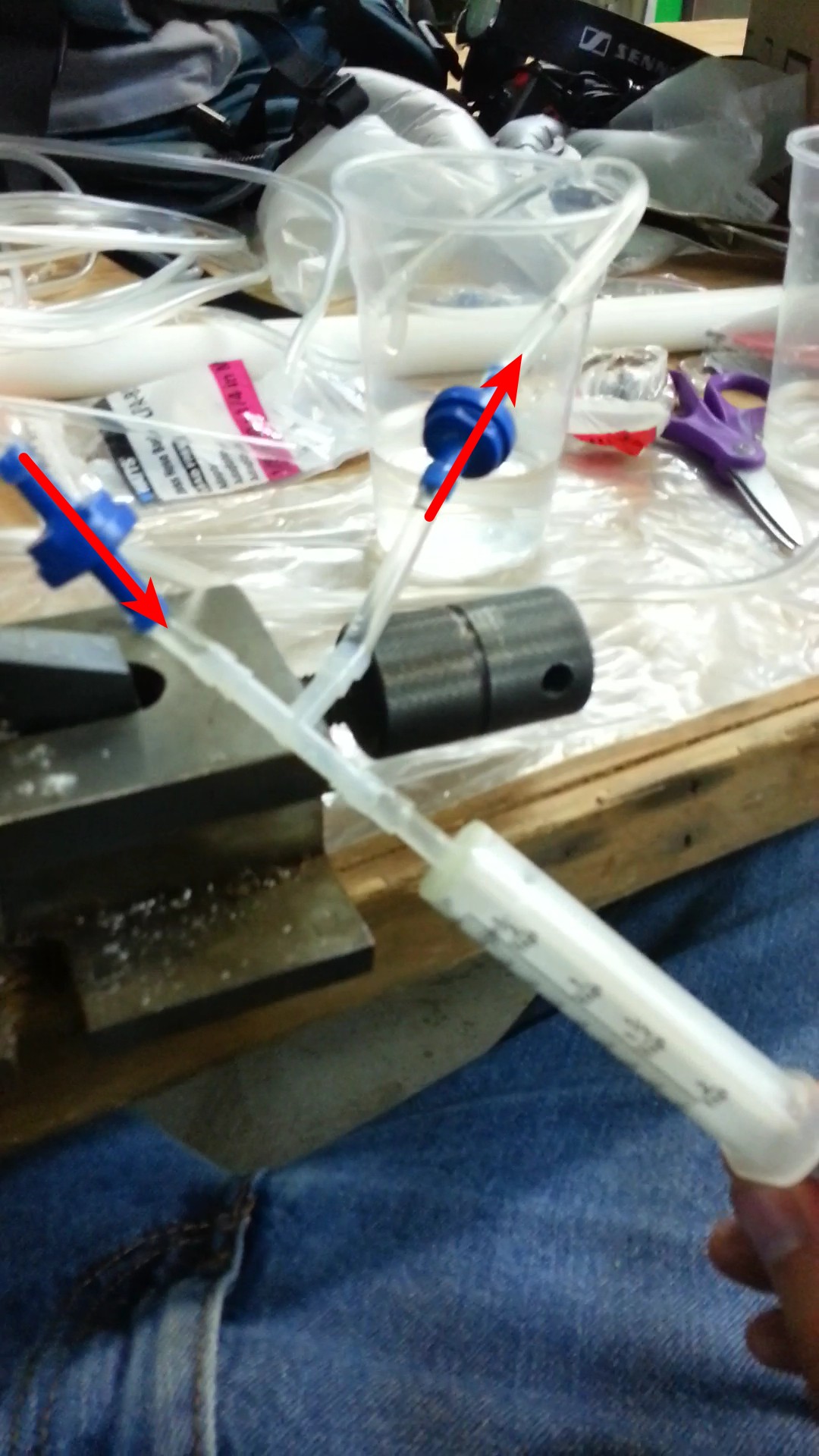
Here is the vaccum pump.  Nothing fancy- it is just two aquarium check valves, some aquarium tubing, a T connector, and a syringe (for feeding babies formula/medicine) from CVS.  The tubing just slips on the tip!

I have considered rebuilding this by replacing the gang valve with a bunch of T connectors, or by upgrading the delrin part, but there are two problems.  First, you would have to re-plumb the whole system if you wanted to do a different number of preps than last time.  Two, the first prep to drain through the system is going to start to suck a bunch of the air into the system.  Much like a hole with a straw in it, or two unequal resistors in parallel, most of flow will be coming through the path of least resistance, reducing the draw on the other samples.  With such a sucky (haha, couldn’t help myself) vacuum system, this is going to make the device useless.

This vacuum setup is good for anyone who is interested in DIYBIO and cannot get access to an autoclave, of a large centrifuge.  This can be used to filter sterilize media, and bleach can do the sterilizing on the other end.  As you can see here, it can take some of the load off the centrifuge.  I don’t know if small centrifuges are significantly slower at filtering than large ones, but I do know that they can’t hold as many samples, so something like this could speed that process up!

Nice Pictures of Electrophoresis Gels

Have you ever struggled to take a picture of a gel?  Probably not if you dropped a couple k on a gel documentation system.  But for those of us who to take photos of gels and keep our money, you might look like this:

Image

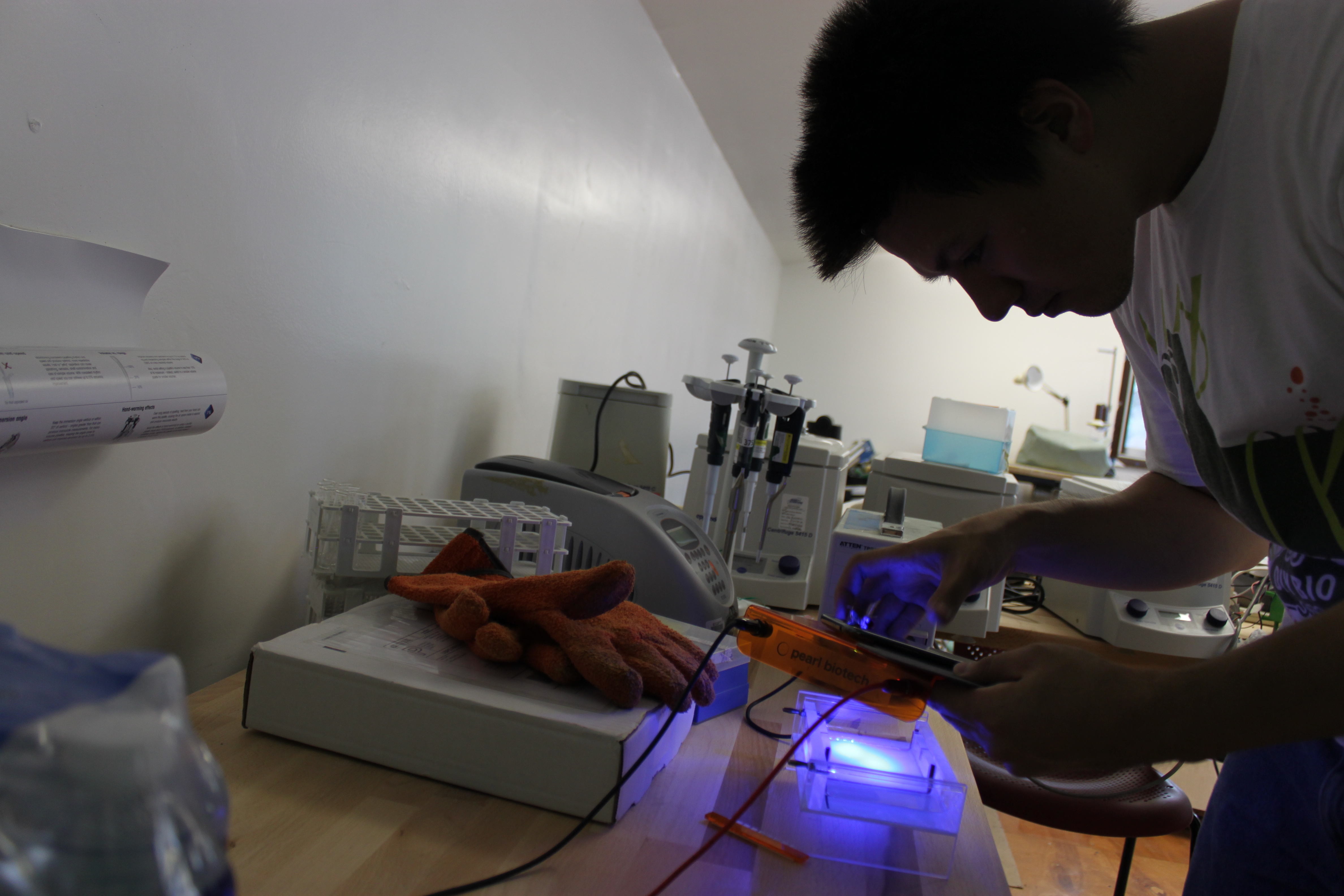
In this photo, I am trying to hold my gel illumination (a couple of LEDS) in one hand, and hold my amber filter, focus, and take a picture with my other hand.  In low light, my phone camera can’t focus either!  Thankfully, my camera can take voice commands, so I did manage to take a picture.  I have a Samsung galaxy note II, (at the time of writing, this is a recently released, top of the line phone) which has a fixed aperture and TINY sensor.  Here is an example of the quality it produces:

20130715_193243

This is barely usable, but maybe ok for just a quick note.  however, you really have to know where the bands are to see them.  For reference, that is 200ng of DNA.  Notice the greenish tint around the bands, and the lack of definition in the gel wells.

What you really need is a camera with manual focus, and a small piece of plastic.  You want manual focus, because no matter what you do, there won’t be a lot of light coming through the lens.  This makes it difficult for the camera to autofocus, which can be frustrating.  Manual focus lets you use your superior eyes and brain to focus.  Here is the device:

Gel Photography Device

Gel Photography Device

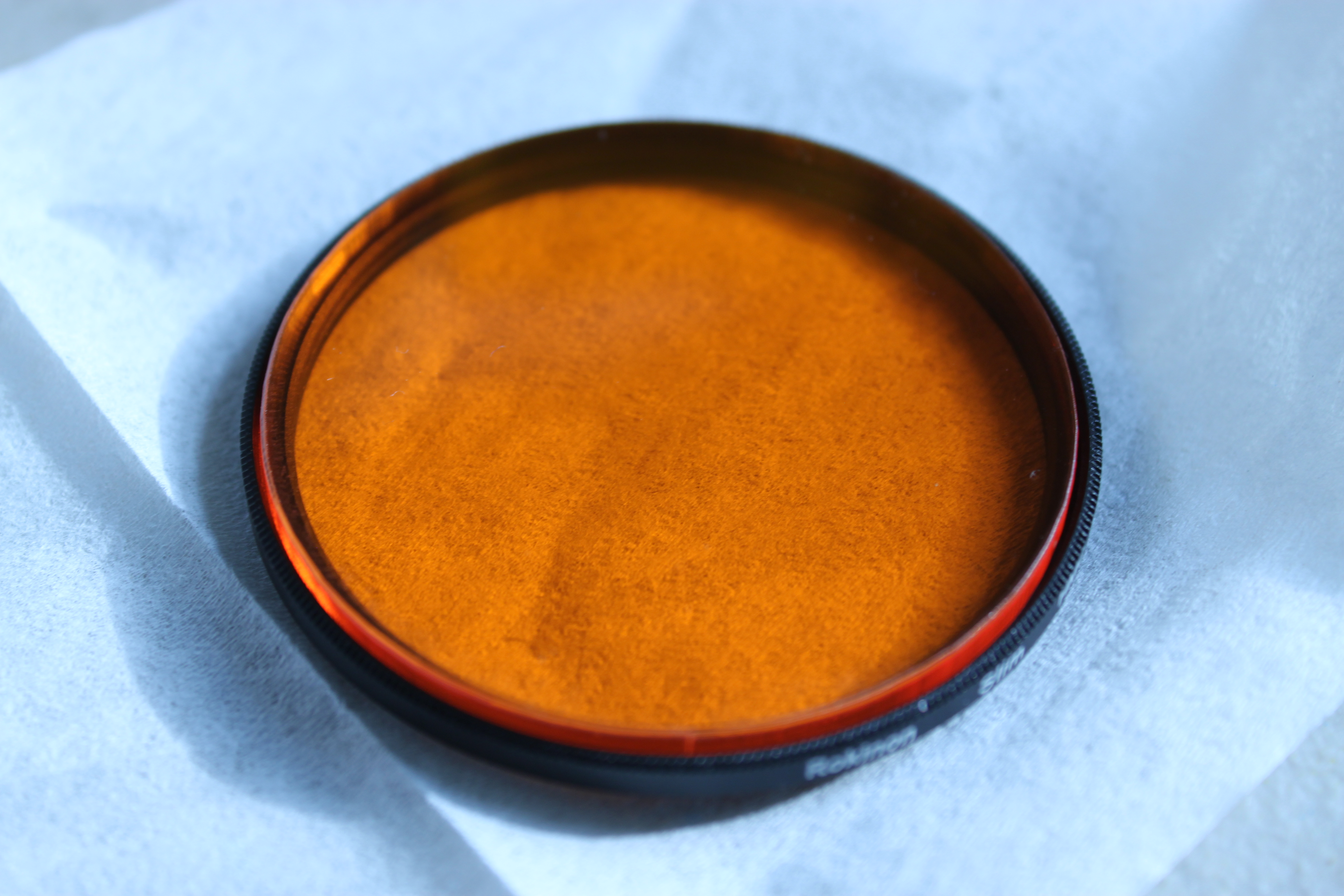
So there ya go.  Thats a UV (clear) filter with a piece of amber plastic in it.  I only bought the filter because I wanted it to be convenient to screw on and off.  Any plastic that is this color will work for blue light- there is no mystery there.  Here is what the world looks like through this lens:

Woah man, it's like instagram

Woah man, it’s like Instagram

Now lets take another look at that gel.  In fact, I will put both here so you can swap between them:

This slideshow requires JavaScript.

Which one looks better?  Definitely the one with the filter.  It has a few things going for it:

  • No confusing green tint around the illuminated area.  This is confusing, since the bands are also green
  • No high-ISO noise in the non illuminated area.  More even illumination.
  • Slightly better focused image (Ok, I am to blame, I did not focus very well)

It was also WAY easier to take the picture.  Just point, focus, and click!  If I had a better illuminator, I wouldn’t even have to hold the LEDS!  There is also a difference in pixel count, but that is mostly irrelevant, for the quality of image.  Commercial gel docs use sensors that are much under 2 MP.  By pixels, my phone camera should be 4x better!
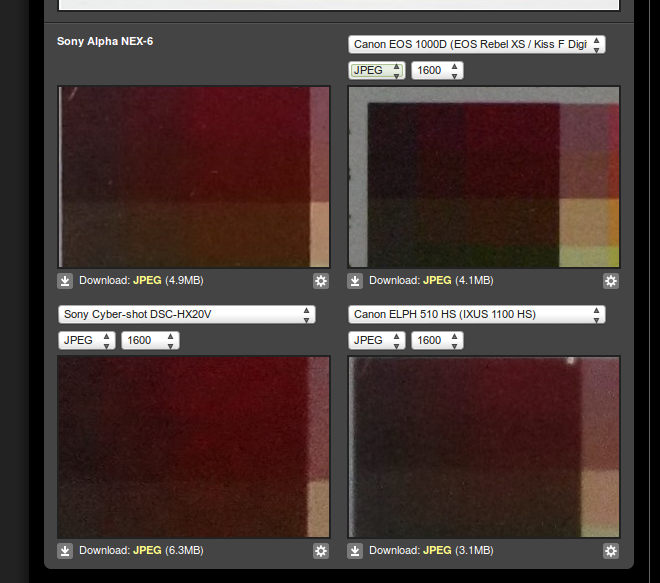
What really matters more is the size of the sensor.  As a rule, larger sensors are better, but I don’t need to explain that- you can read Ken Rockwell’s excellent posts on the megapixel myth and look at comparisons at high isos here.  Use the drop downs to look at side-by side comparisons of different cameras at high-ISO (what happens in low light, like with a gel).  Check out the below, which compares the canon rebel xs (10 MP, 419 square mm square APS-C sensor, 185 on ebay, WITH lens), the canon 510 HS (12.1 MP, 28 square mm sensor, on ebay, 12.1 MP) and the Sony CyberShot DSC HX20V (18.2 MP, 28 square mm sensor, 260 on ebay, 18.2 MP).  These are buy it now prices.

Winner is the XS 1000, as you can see the difference in the dark colors!

Winner is the XS 1000, as you can see the difference in the dark colors!

This is a picture of a test swatch, with very similar colors next to each other.  As you can see, the cheapest camera, with the smallest number of megapixels, but the largest sensor has the best color differentiation, and low noise at a relatively high ISO 1600 (for reference, 400 ISO is the most common speed for “general use”).  The XS 1000 also has manual focus!  My conclusion is that if you want to take a picture of a gel, use an older, cheaper APS-C sensor camera, and get a filter for it.  You will thank yourself for it later when you have nice pictures.

Chorded Keyboard: Why Build?

You may be asking “why not just buy a chorded keyboard?”.  The answer is simple: They are super duper expensive, and lack the features I desire.  Here is a rundown of what is out there:

The CyKey

from the cykey website

Infrared control with a huge dongle, for the low low price of only 74 pounds (112 USD).  This is a low cost chorded keyboard, by any means.  The annoying thing is the receiver- it is big, and it is infrared, so you need line of sight.  I don’t need wireless capability, but if I am going to have it, it will be in the gigahertz.

Infogrip BAT

From infogrips website

Possibly only available on ebay, Totally still available, new this is almost the thing I am going to re-create.  It is a 7-key chorded keyboard, which goes for somewhere between 150-200 on ebay.  To make it more complicated, they are “handed”, so I would have to wait for a lefty (on ebay).

Twiddler (2)

the twiddler 2, from the twiddler website

Nothing about this looks comfortable, and it is 200 CAD!  It is also a thumb-mouse, but I already have a nice mouse, thankyouverymuch.  Not that integrating a mouse is a bad idea.

Well, that sums it up for things that you can buy.  There might be a few more out there, (frogpad is one of them), but I can’t find them for sale.  So the solution is to build one!  Plus, I just bought a 3d printer, so I can get some experience using it for prototyping.

GKOS Keyboard Adventures

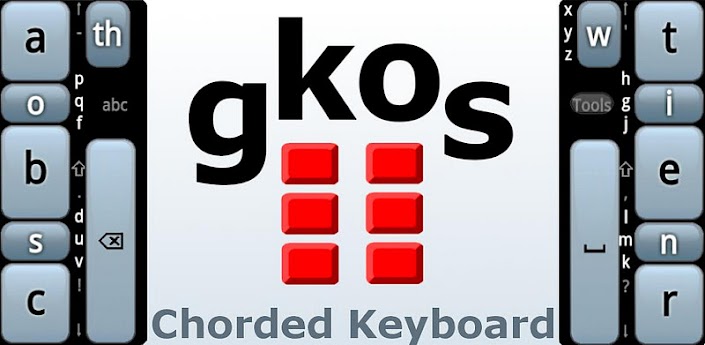
Recently I have become interested in chorded keyboards.  I see them as an incredibly under explored option in computer interfacing, particularly for engineers or people who are bringing a computer into a workshop/bench workflow.  To attempt to get used to chording, I installed a chorded keyboard on my android phone.  It is called the GKOS keyboard.

The first thing I noticed was how huge the keyboard was.  It took up roughly 70% of my screen, which is saying something, since I have a galaxy note ii.  This means that when typing, I can really only see a few lines of text, which can be annoying.  On the other hand, the keys are enormous! Instead of the tiny fingertip sized keys that normally adorn such keyboards, the large keys are roughly .5″ wide by .75″ tall!

Huuuuuggeee keys.

There is the keyboard.  As you can see, the “home” keys are very non-standard.  However, they are certainly the most used keys.  This makes it convenient and easy to type.  After a few days, I found that I was speeding up, although I was still lagging behind my querty-thumb-pecking speed.

The major downfall of this keyboard is actually the form factor of the modern phone.  While it is kind of fun to use, it is extremely uncomfortable on phones without a large bezel.  This is because the natural position of the thumb is somewhat relaxed, and the comfortable way to type would be to pivot your thumb around the base joint.

In portrait mode, the problem comes in that my thumb is a little longer than half the screen, and to hold the phone securely I have to have by hand across the back of it.  This means that in order to get my thumb on the keys, I have to curl my thumb up for the entire time.  This makes it very uncomfortable.  In landscape mode, it is slightly more comfortable, because it is easier to hold the phone, but still, the keys are right at the edge of the screen.

The other issue I had is that the keyboard is not one-handed, especially on my huge phone.  I want a one handed chording keyboard!

I enjoyed using it, but I have switched back to my querty.  The keys are now painfully small, and my pecking seems weird compared to the elegant chording on the GKOS, but I am faster and more comfortable while using it.